
Deploy Public Repository
You can deploy applications from any public GitHub repository by simply providing the repository URL.
1. Create a New Resource on Coolify
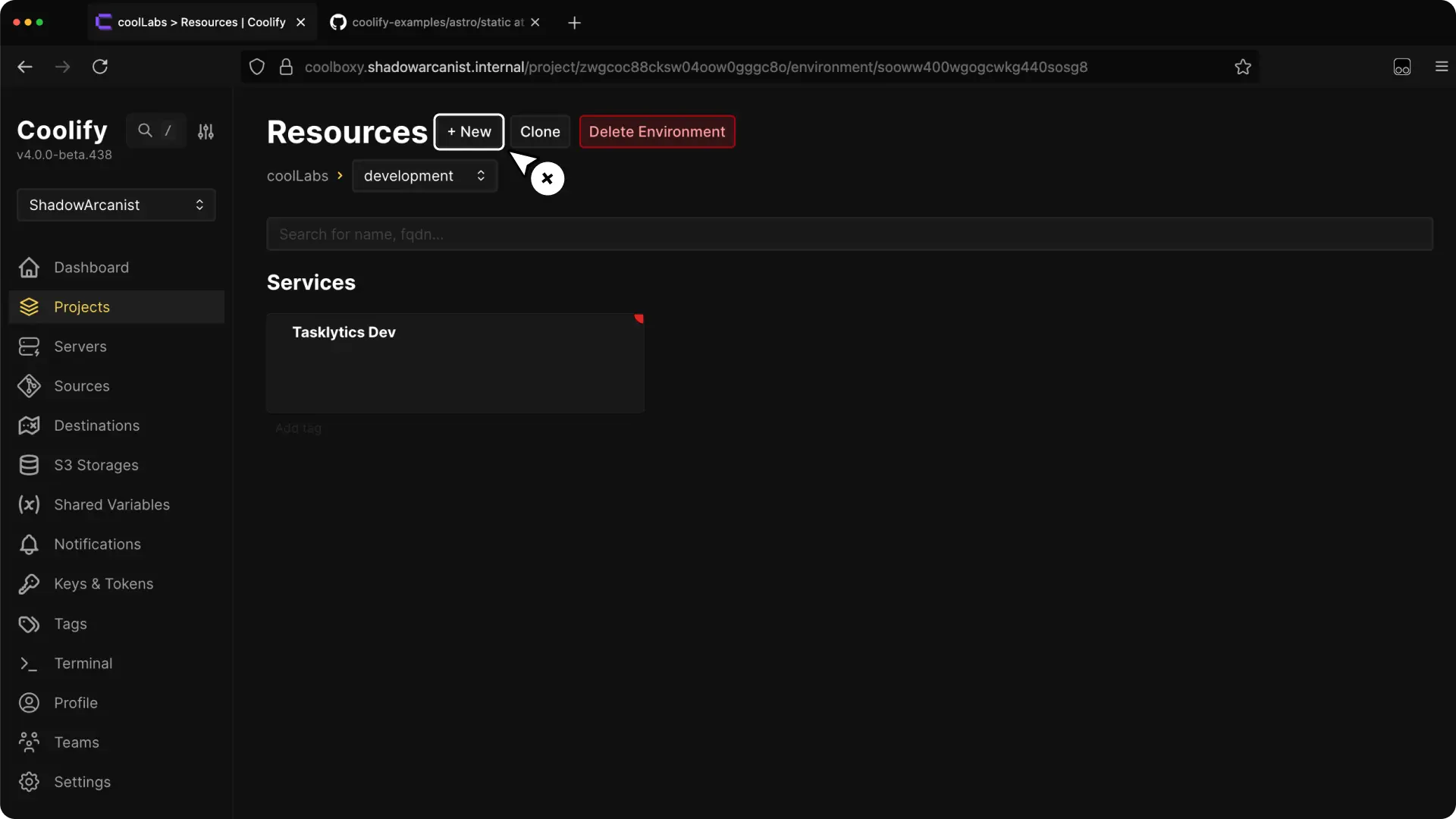
- Select your project from the Coolify dashboard.
- Click the + New button to create a new resource.
2. Select Public Repository as Resource Type
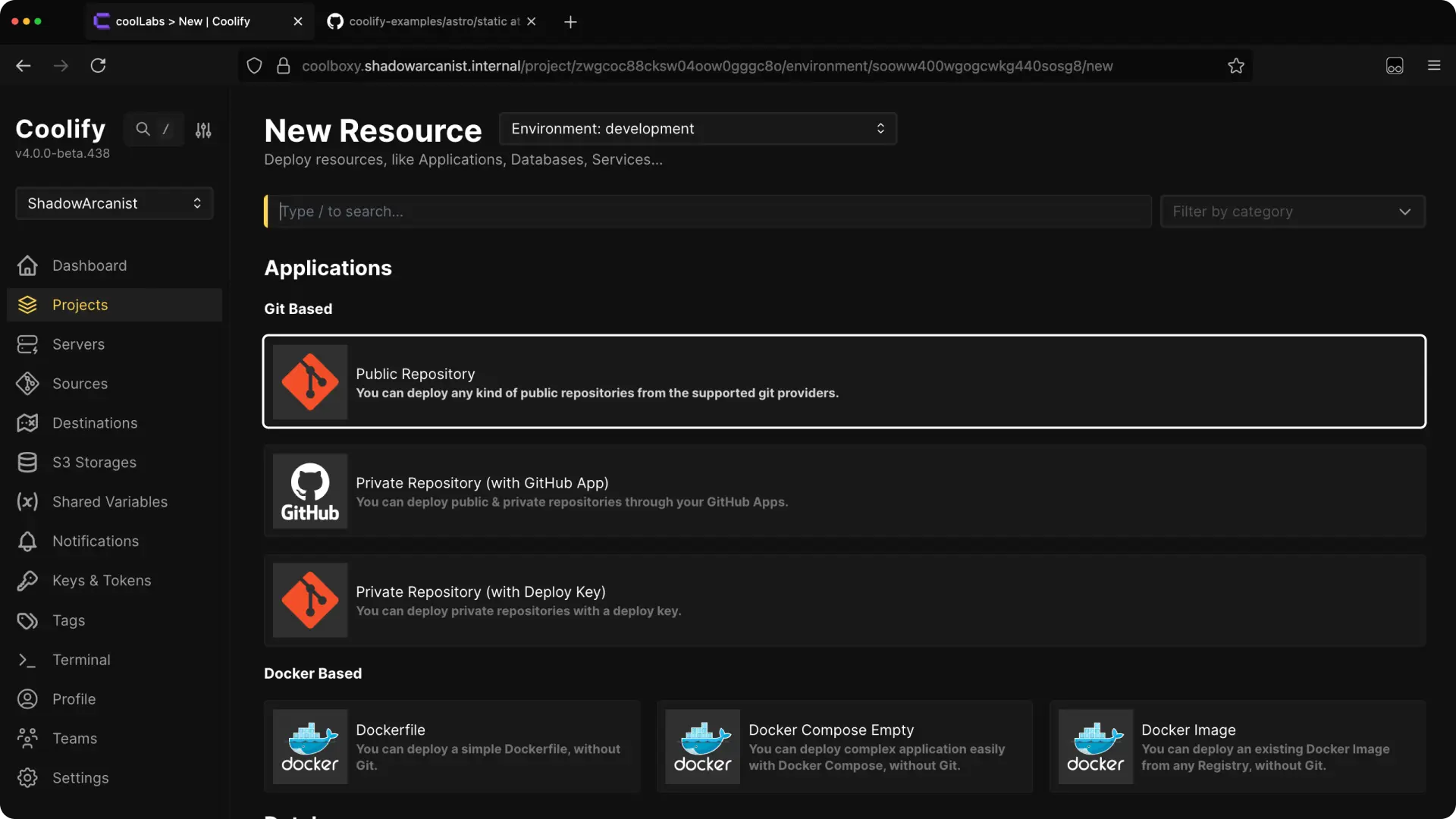
Choose Public Repository from the available resource types.
3. Choose Your Server
HEADS UP!
Coolify automatically selects the localhost server if you don't have any remote servers connected. In such cases, skip to the next step.
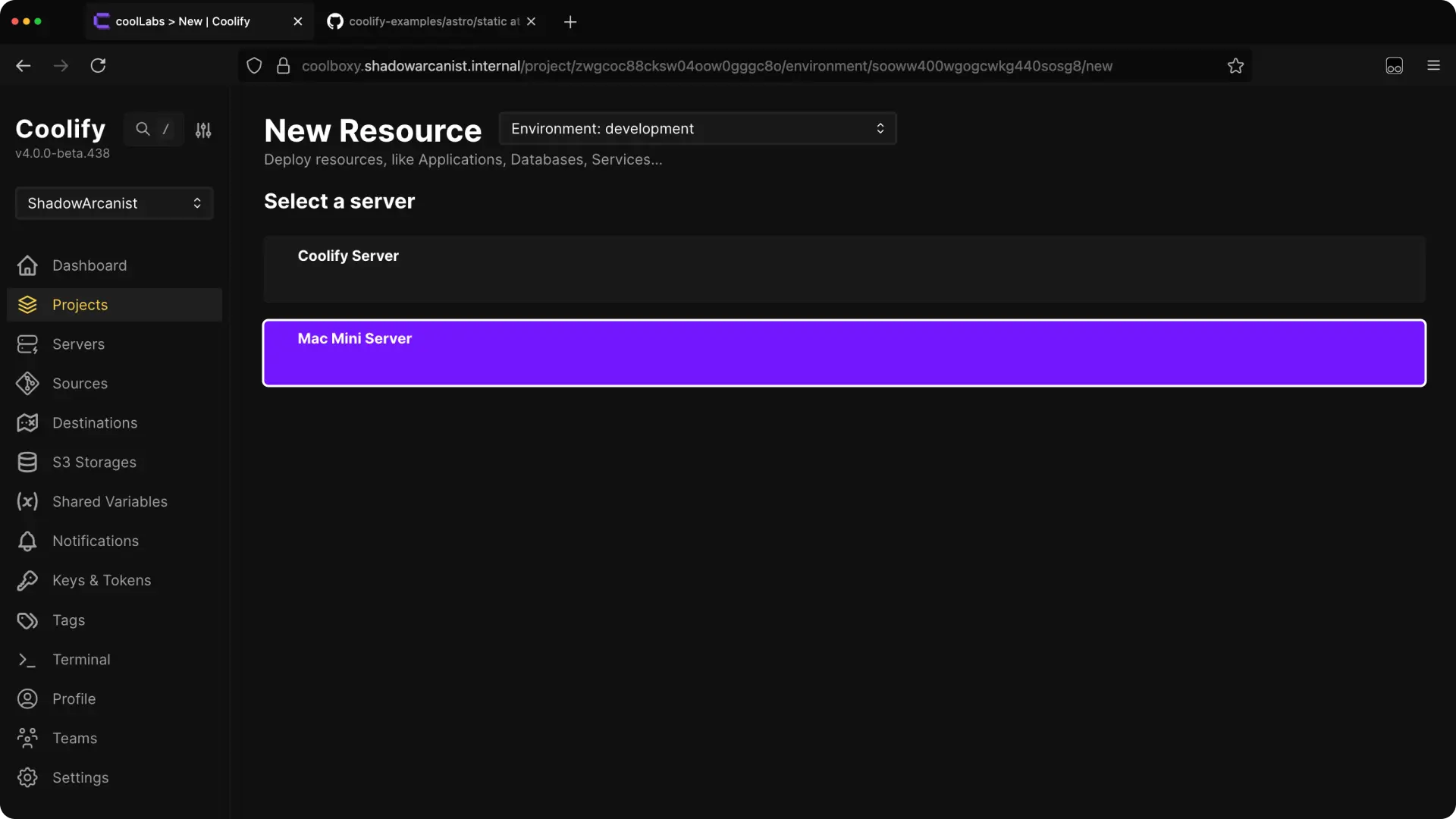
Select the server where you want to deploy the application.
4. Enter Your Repository Link
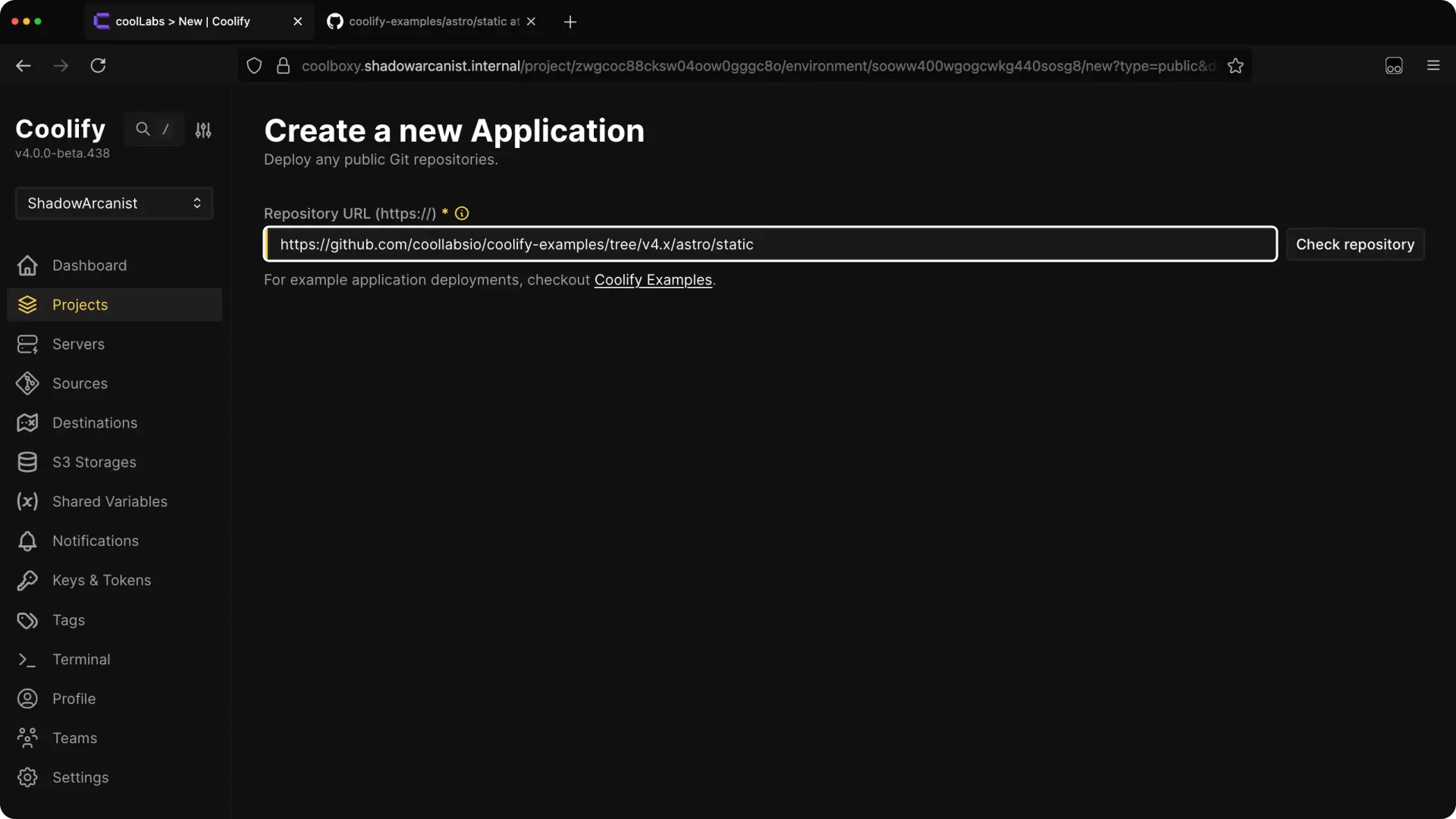
Paste the URL of your public GitHub repository.
Tip
The branch will be automatically selected based on the provided URL.
- https://github.com/coollabsio/coolify-examples → main branch will be selected.
- https://github.com/coollabsio/coolify-examples/tree/nodejs-fastify → nodejs-fastify branch will be selected
5. Configure the Application and Deploy
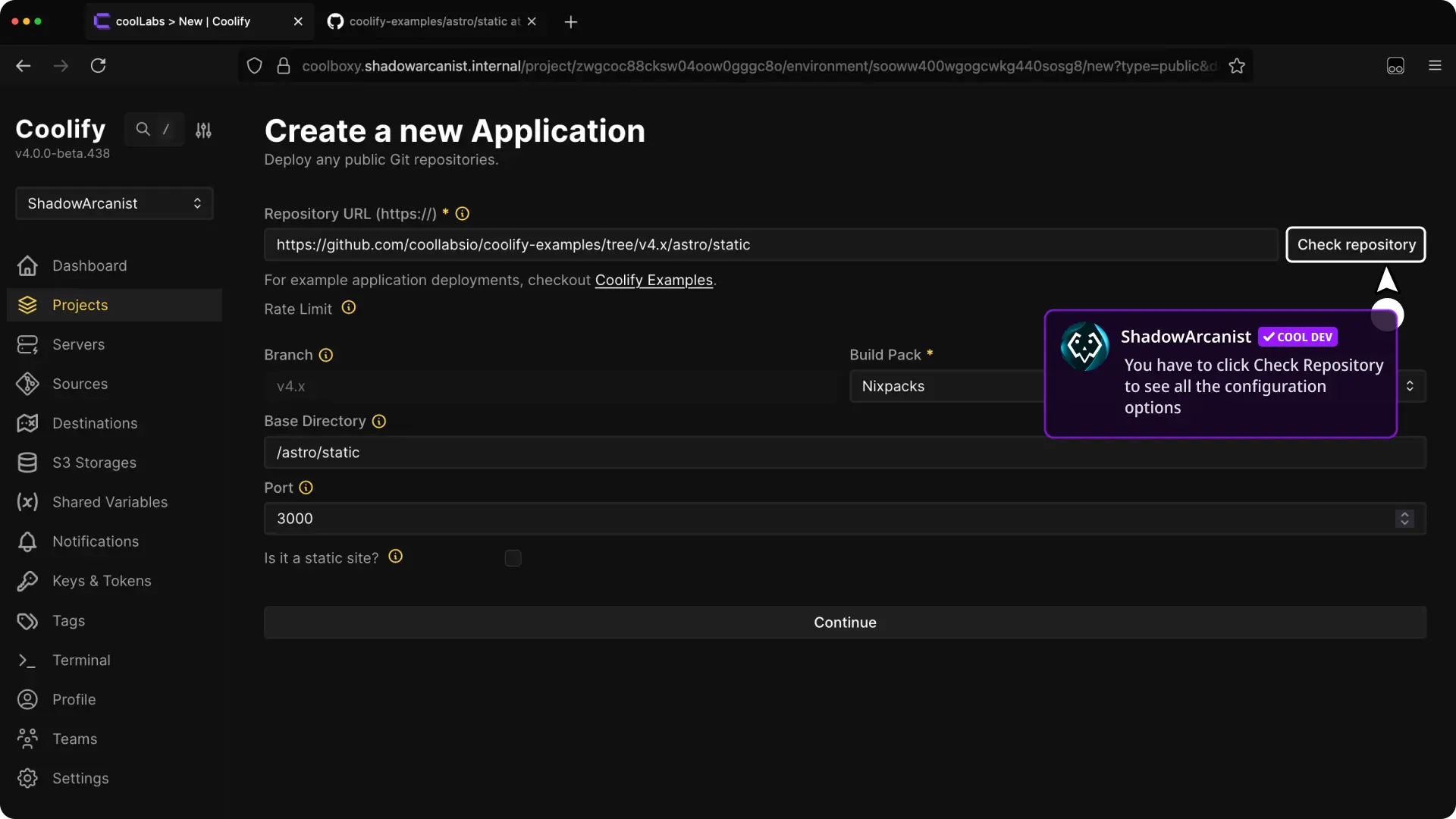
After entering the repository link, click Check Repository. Then, configure the buildpack, ports, and other settings. (Refer to our dedicated guide on builds for more details.)
Once configured, deploy your application.
That's it!