
Deploy a public GitHub repository
You can deploy any public GitHub repository without creating a GitHub App or deploy key.
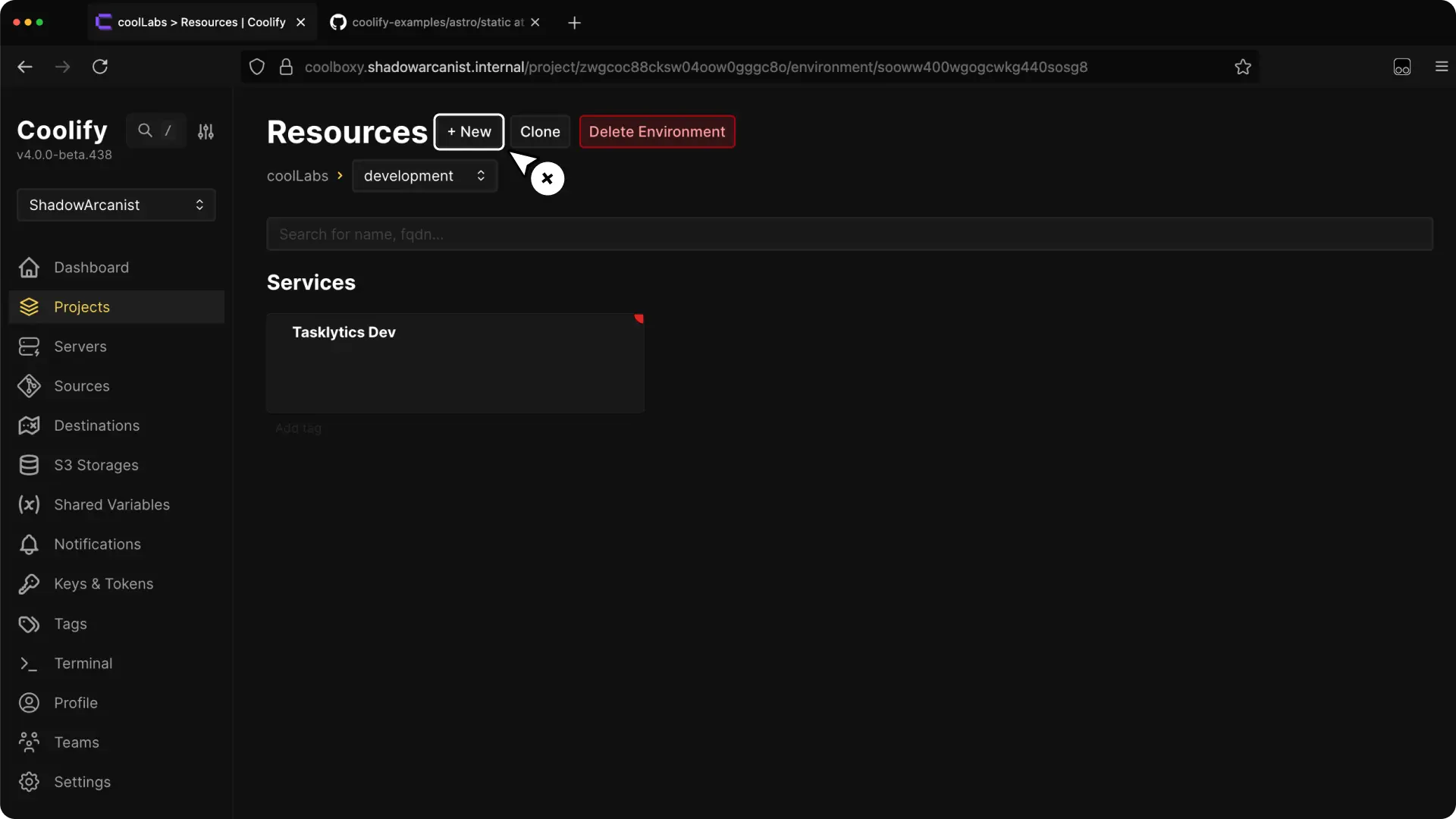
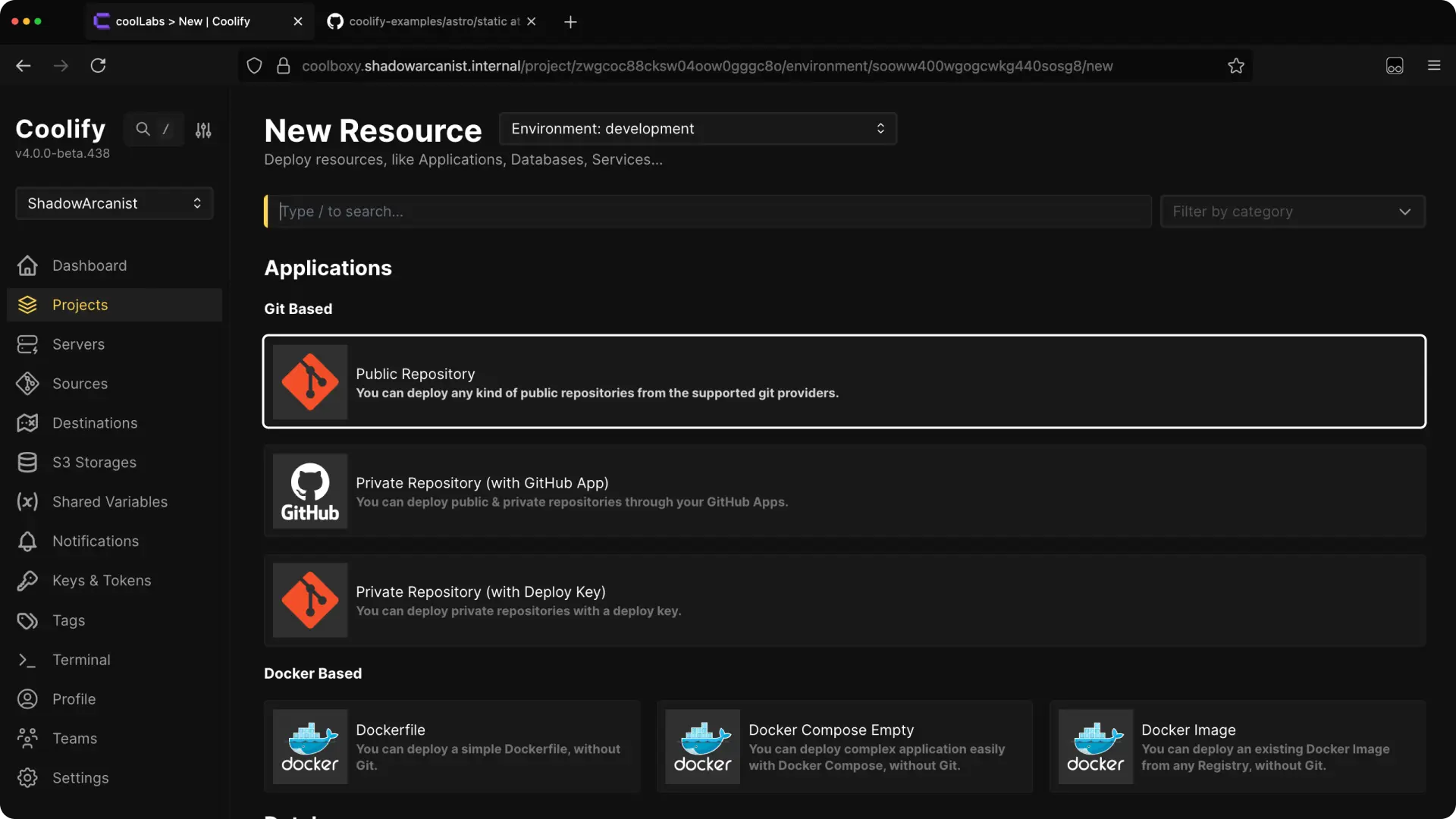
Choose the server
A self-hosted installation starts with a localhost server. Coolify selects it automatically when no other deployment server is available.
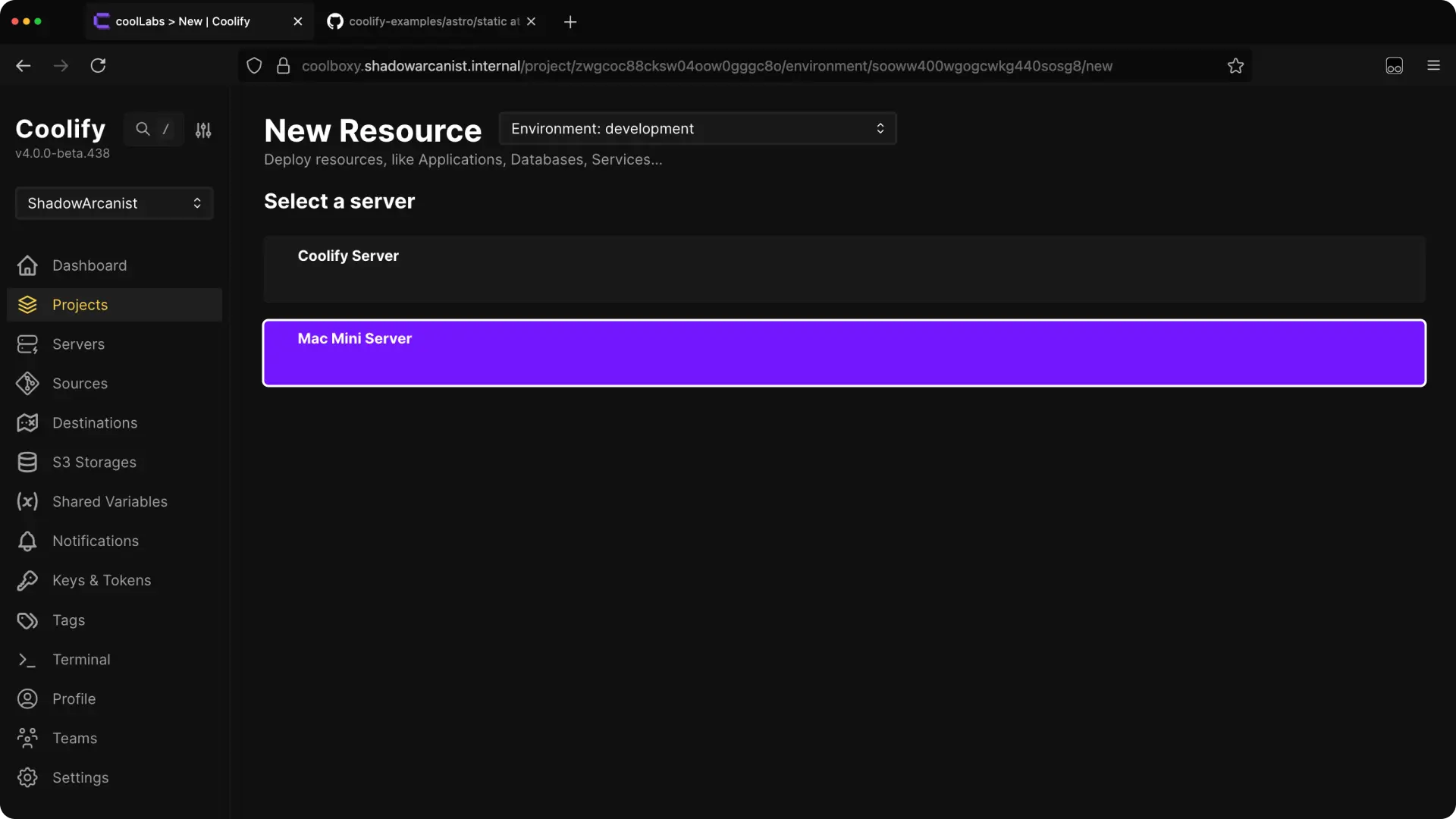
Choose the server where the application should run.
Enter the repository URL
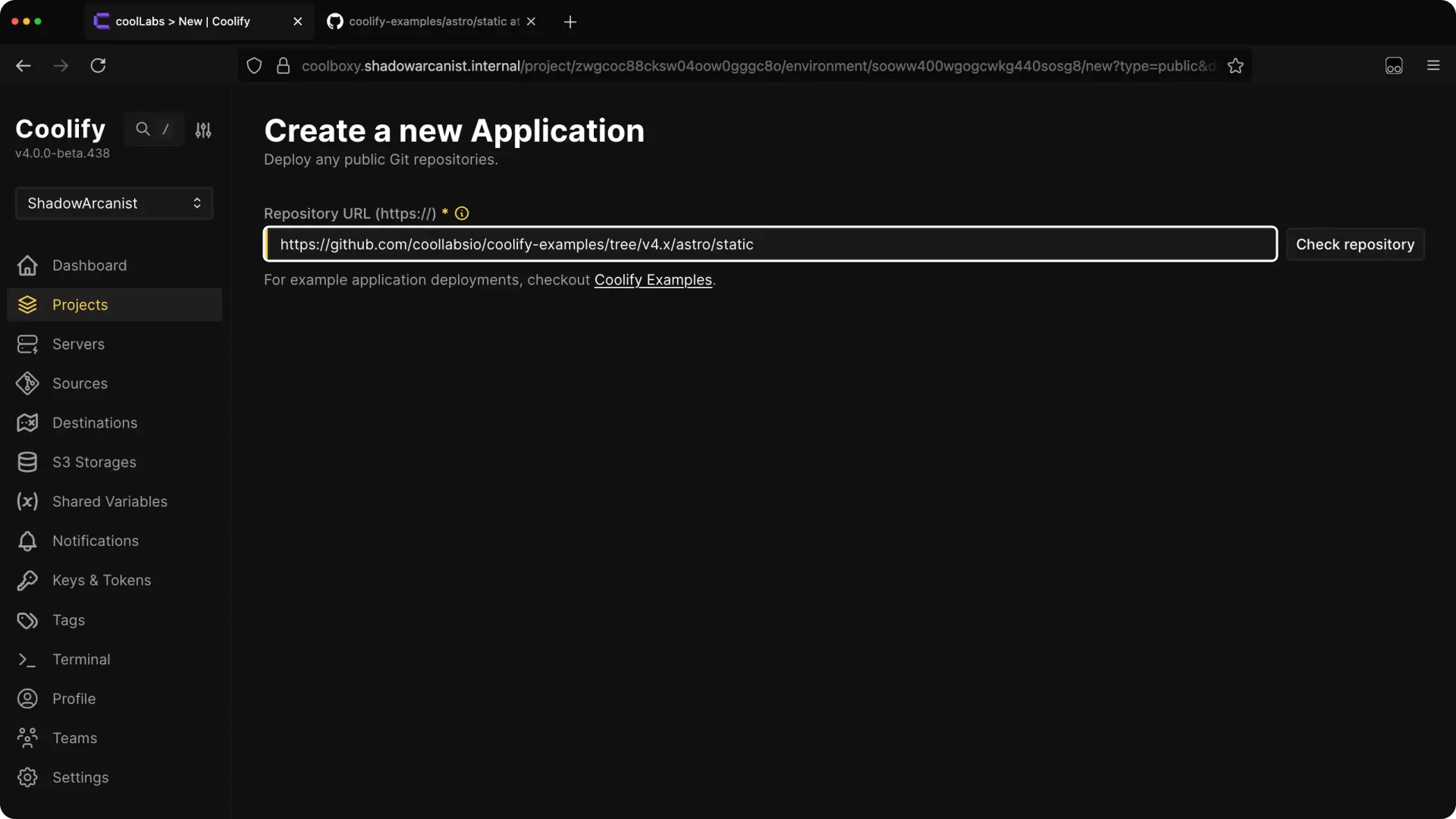
Paste the public GitHub repository URL.
Coolify selects main for: https://github.com/coollabsio/coolify-examples
Coolify selects next for: https://github.com/coollabsio/coolify-examples/tree/next
Configure and deploy
Review Smart Scan before continuing. It can suggest Dockerfile or Compose settings and lets you review and confirm variables from an environment template. For a monorepo, set Base directory and select Scan again.
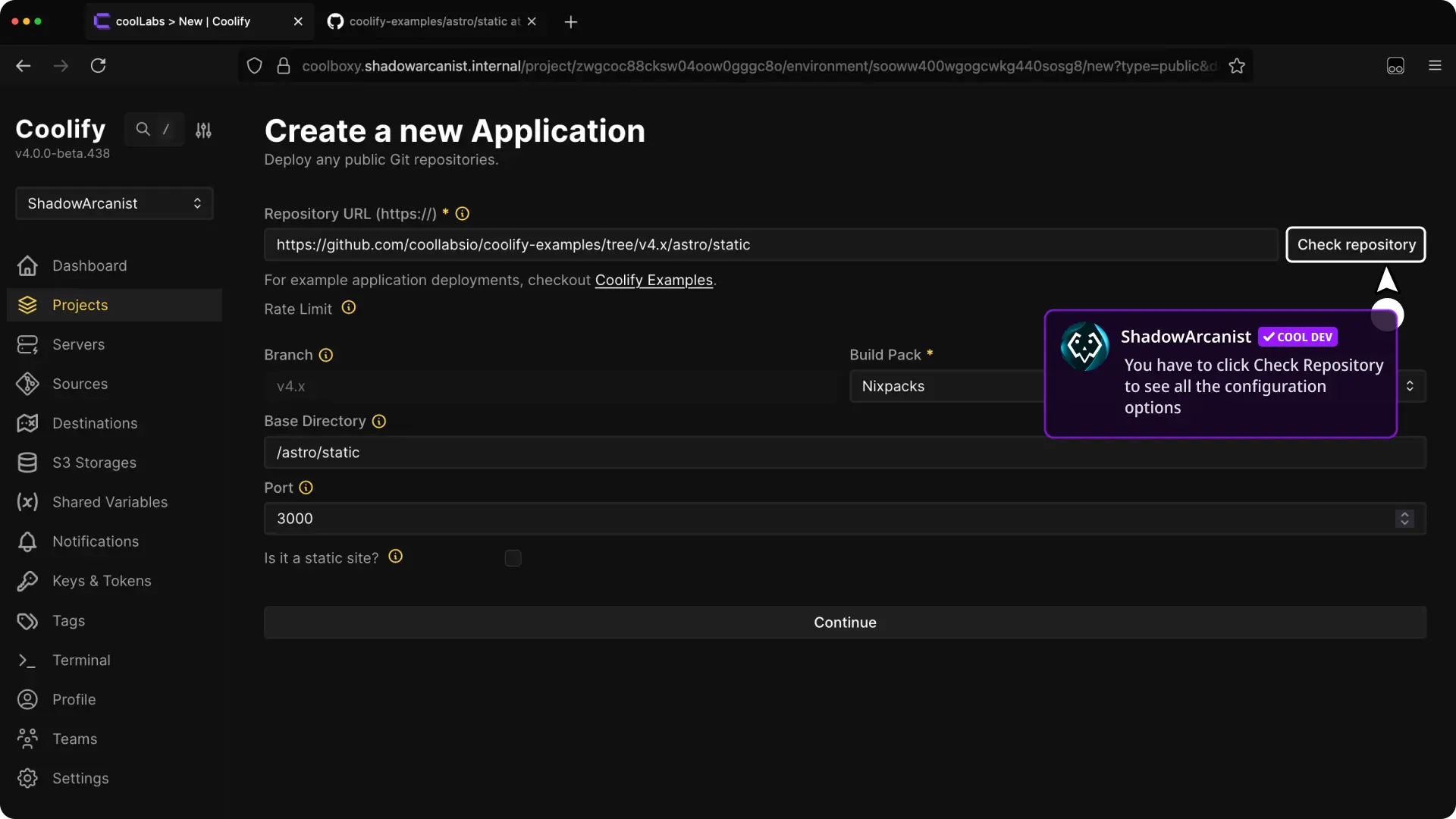
- Select Check Repository.
- Choose the Build pack, internal port, base directory, and other required settings.
- Continue to the application configuration.
- Configure a domain and required variables.
- Deploy the application.
Read Build applications when you need help choosing the build method.
Open Deployment Logs and confirm the repository, branch, and commit in the deployment log.