
GitHub Deploy Key
A deploy key gives Coolify read-only SSH access to one private GitHub repository without using a personal access token or an account-level SSH key.
Use a deploy key when:
- Coolify should access only one private repository
- you cannot install a GitHub App in the organization
- repository-specific read-only access is preferred
Use a GitHub App when Coolify needs integrated access to several repositories.
This guide uses:
- Repository owner:
ShadowArcanist - Repository name:
coolify-dev - Key name:
Deploy Key Tutorial - SSH URL:
git@github.com:ShadowArcanist/coolify-dev.git
Create a private key in Coolify
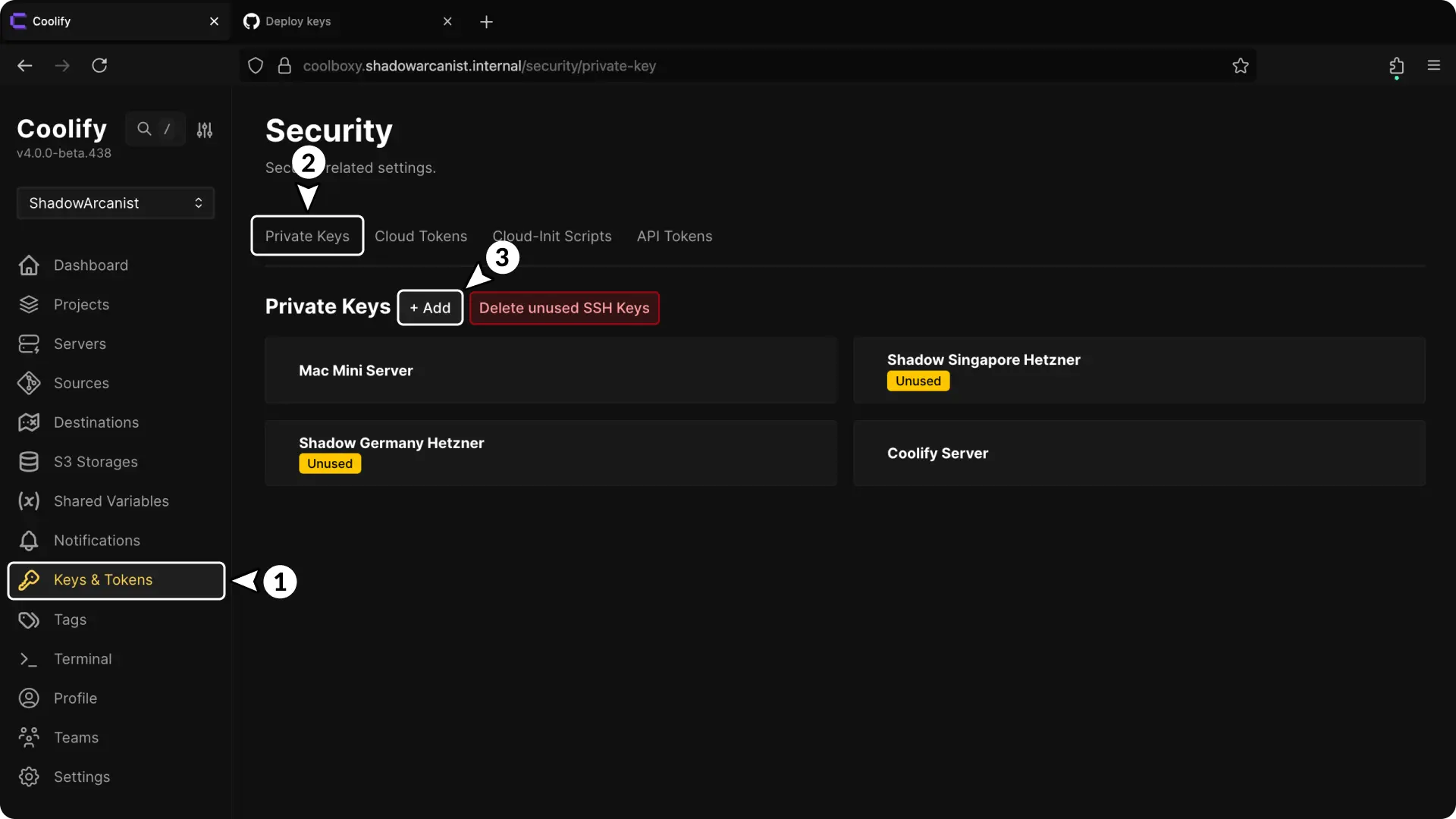
- Open Keys & Tokens.
- Select Private Keys.
- Open New private key.
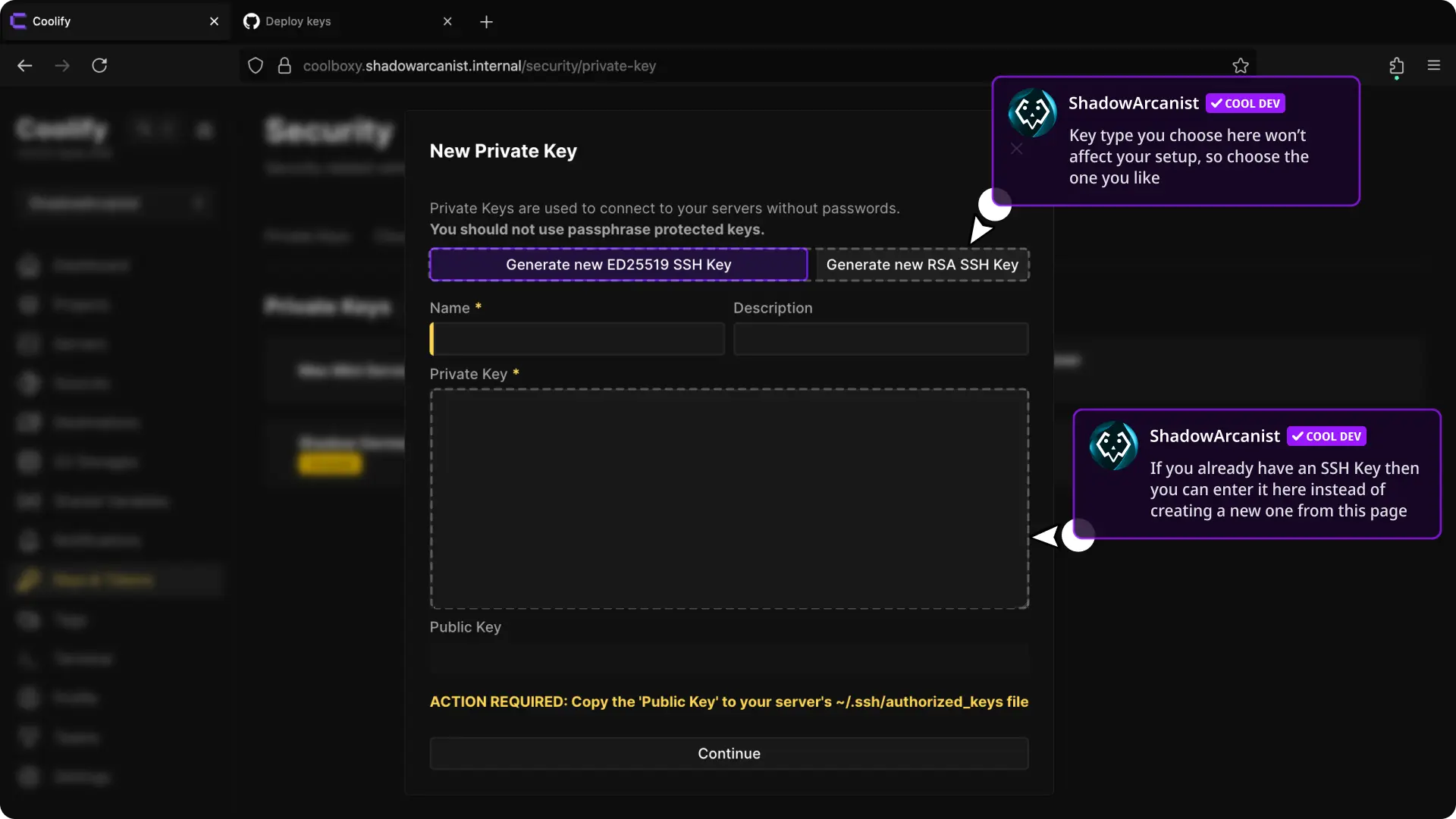
- Select Generate RSA or Generate ED25519.
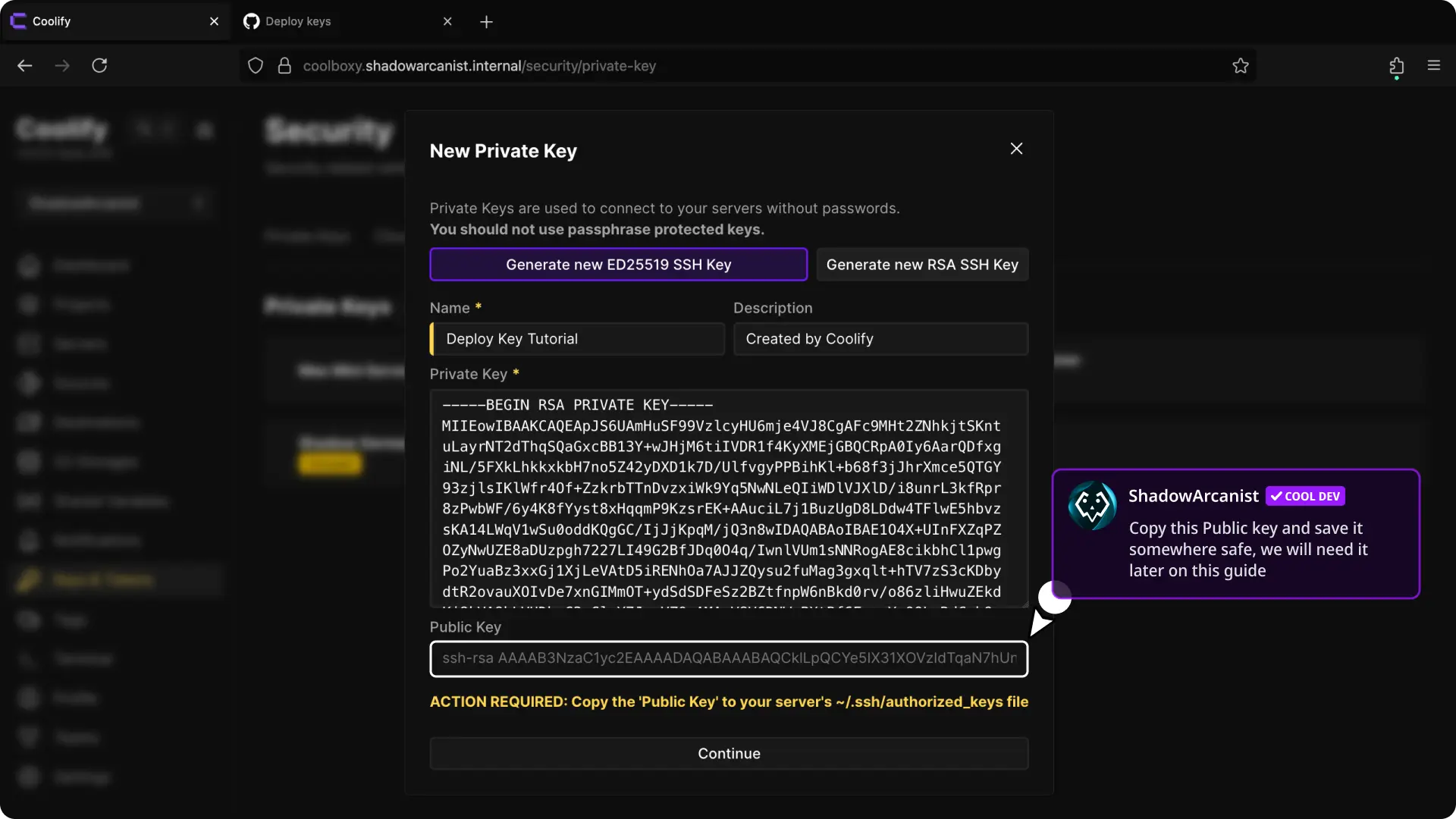
- Coolify saves the generated key immediately. Select its Edit icon.
- Copy the Public key.
Run:
ssh-keygen -t rsa -b 4096 -C "coolify-deploy-key"Paste the generated private key into Coolify and use the matching .pub file on GitHub.
Add the deploy key on GitHub
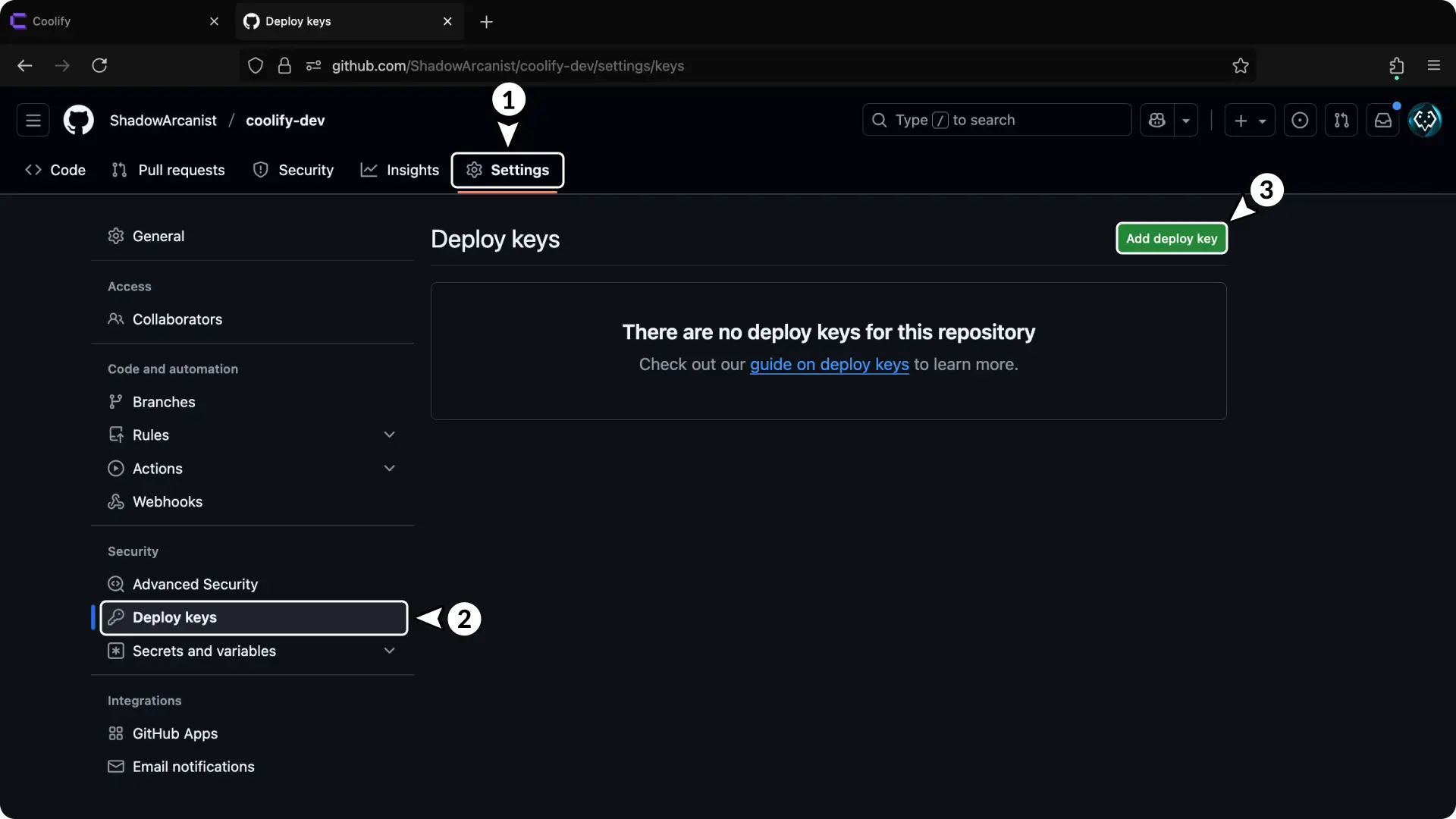
- Open the repository settings.
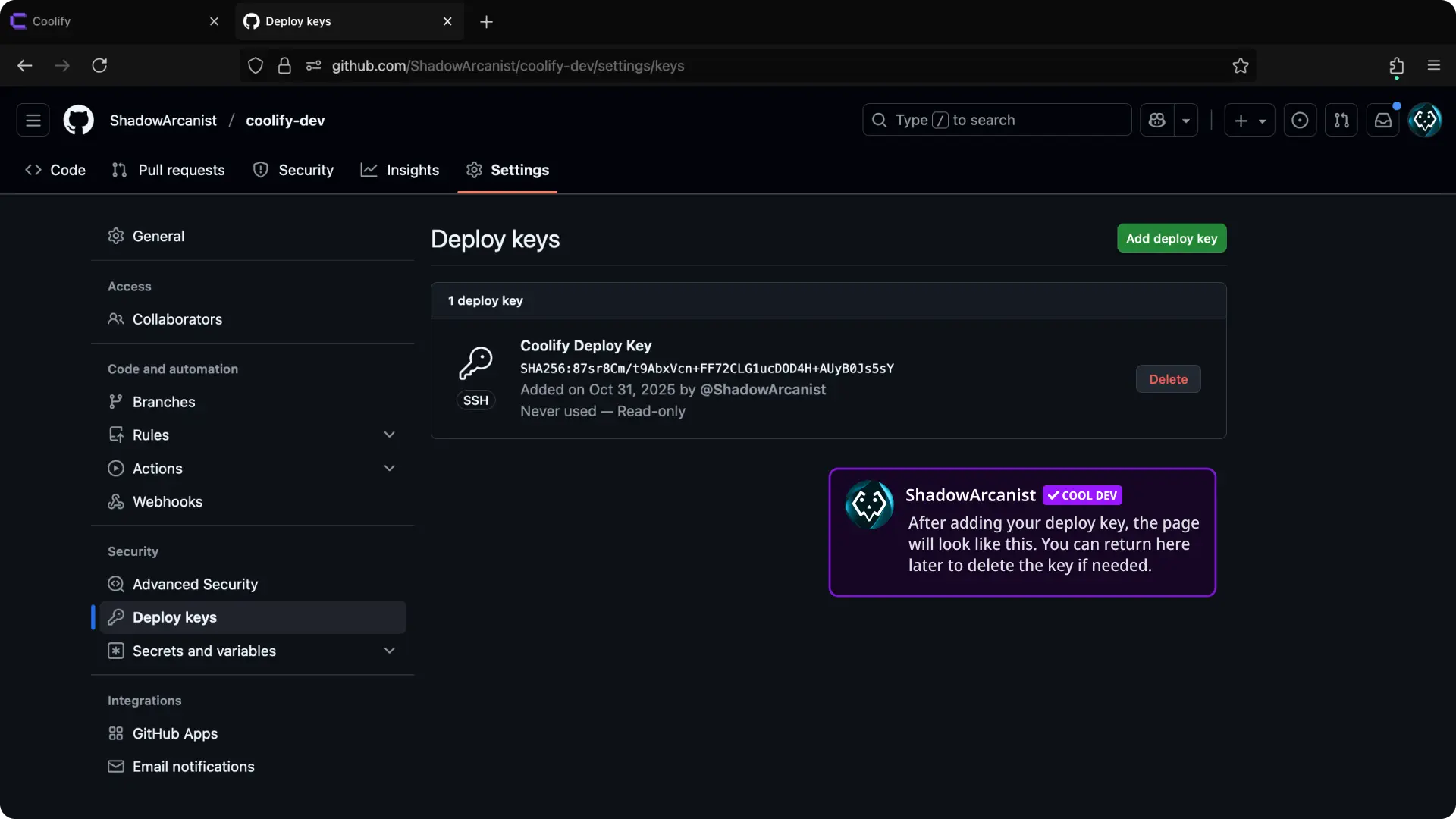
- Select Deploy keys.
- Select Add deploy key.
The direct URL has this form:
https://github.com/OWNER/REPOSITORY/settings/keys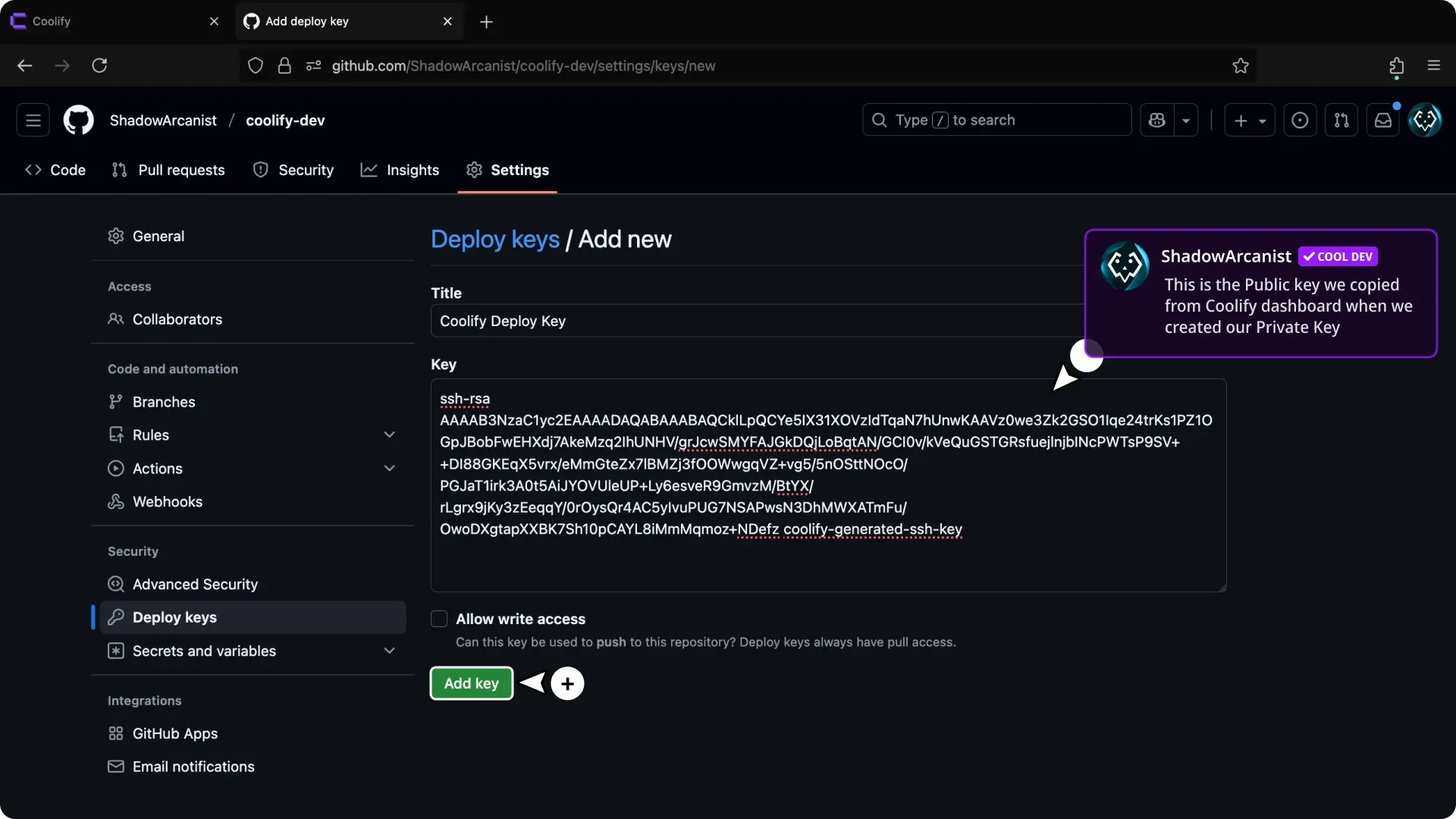
- Enter a descriptive title.
- Paste the public key copied from Coolify.
- Keep Allow write access disabled.
- Select Add key.
Copy the repository SSH URL
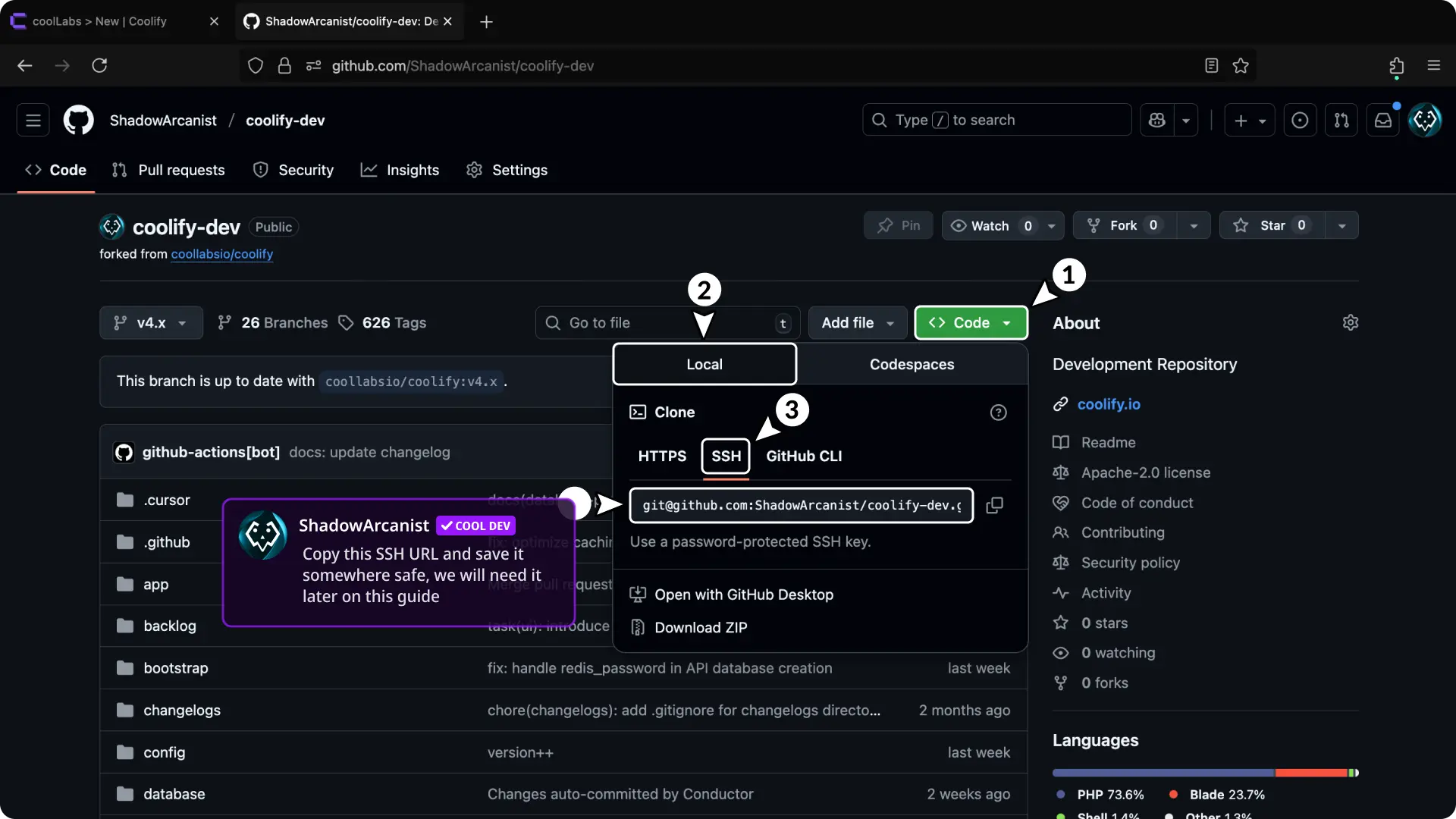
- Open the GitHub repository.
- Select Code > Local > SSH.
- Copy the SSH URL, such as
git@github.com:ShadowArcanist/coolify-dev.git.
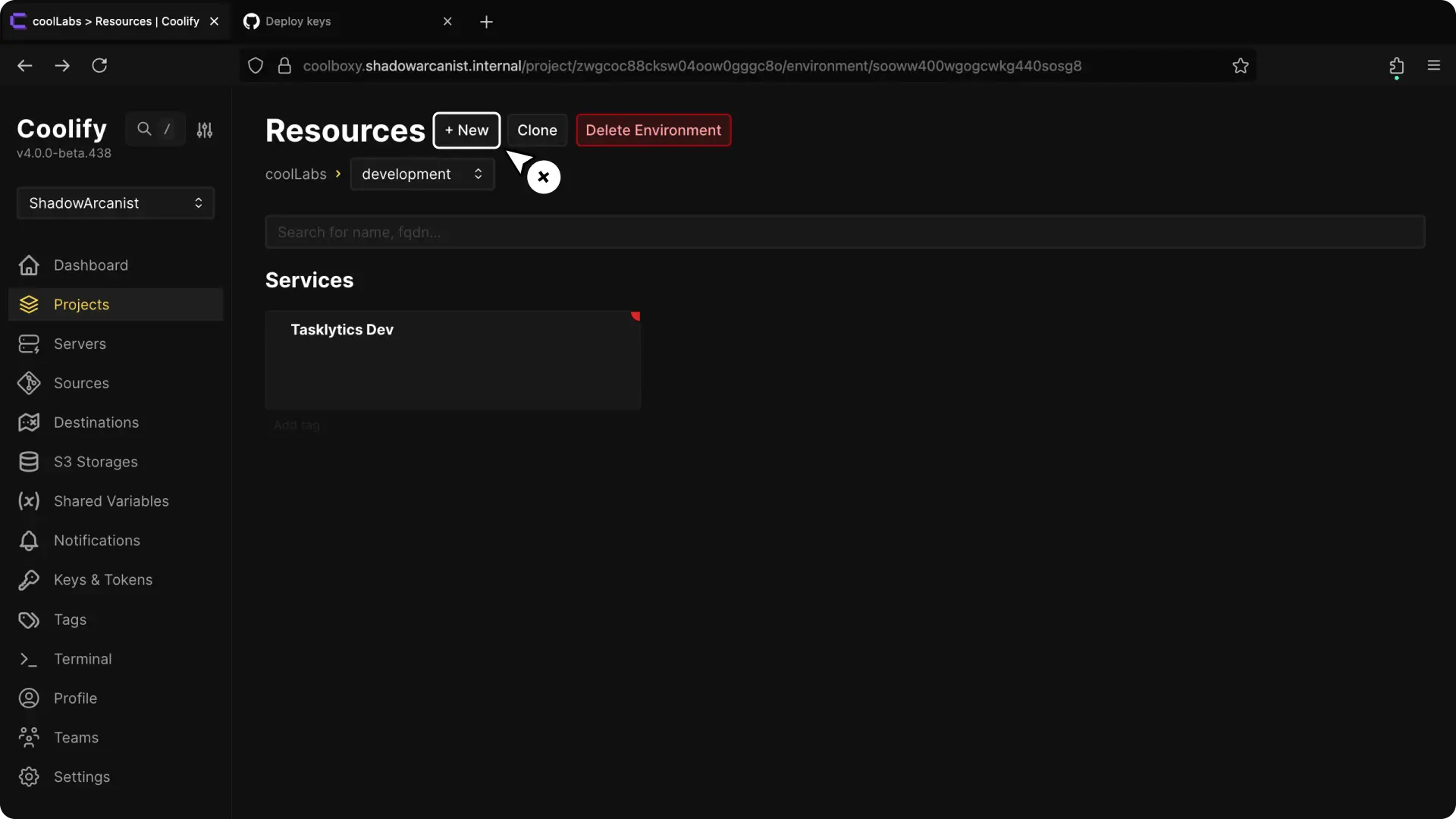
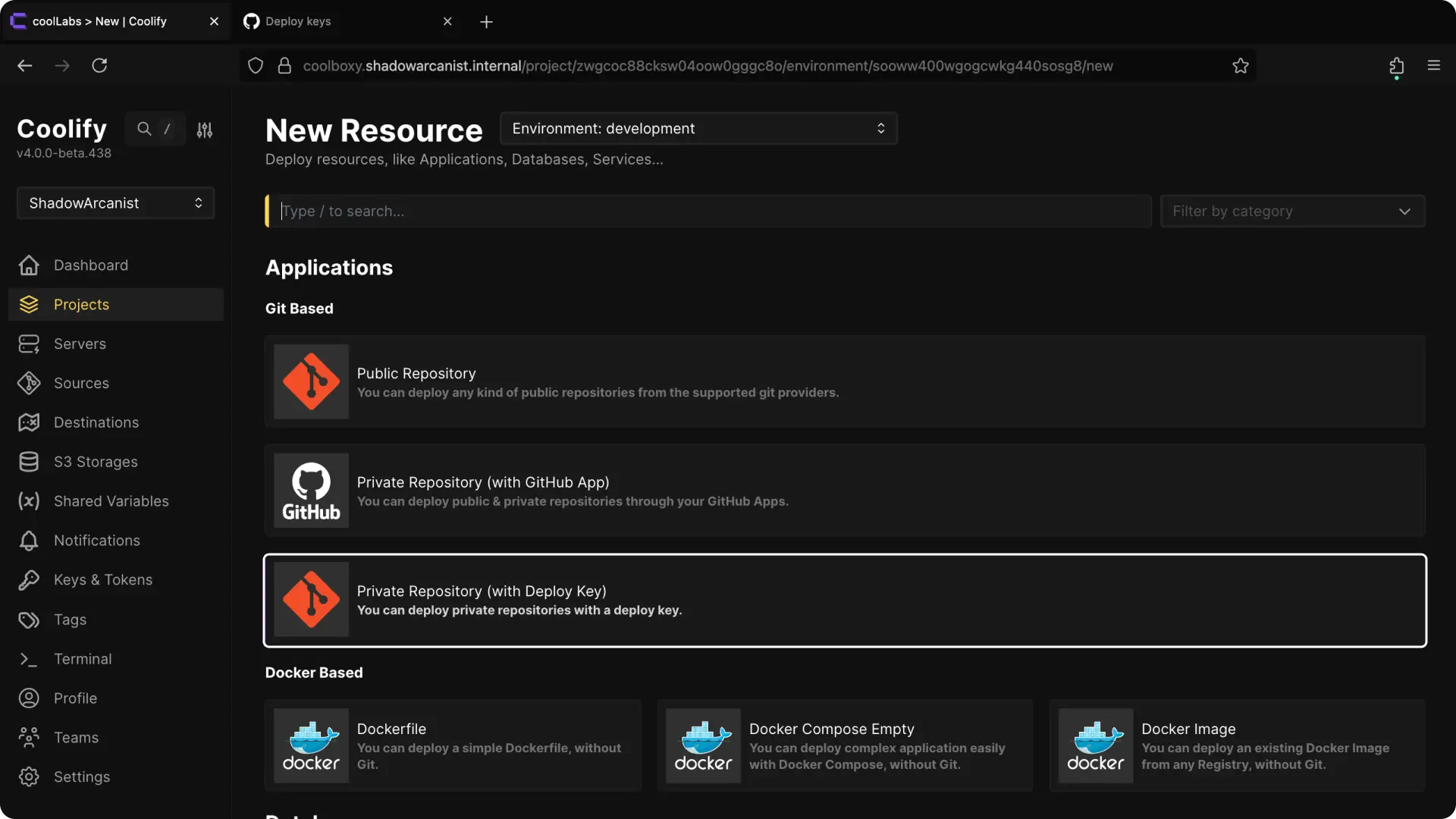
Choose the server
A self-hosted installation starts with a localhost server. Coolify selects it automatically when no other deployment server is available.
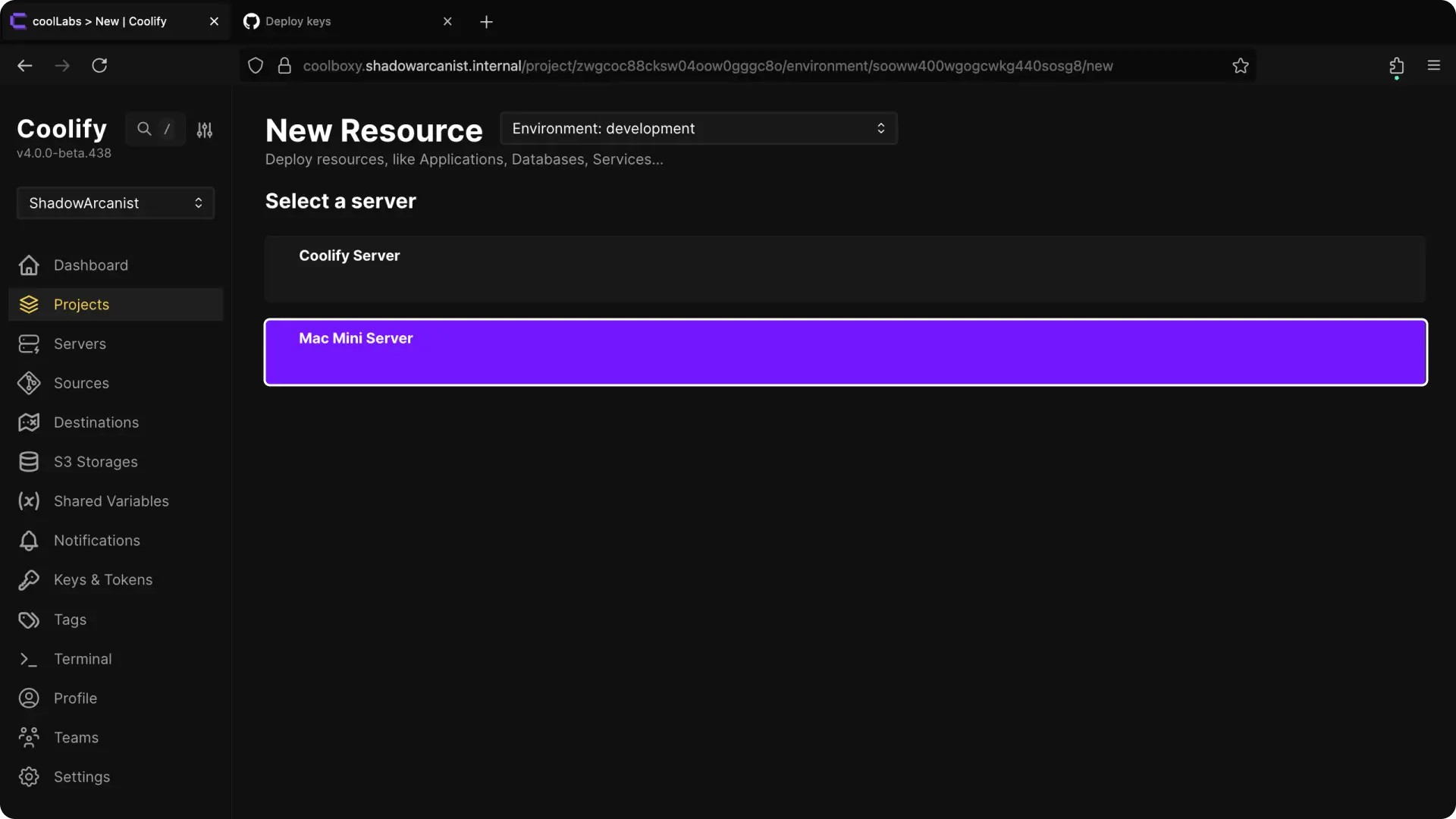
Choose the server where the application should run.
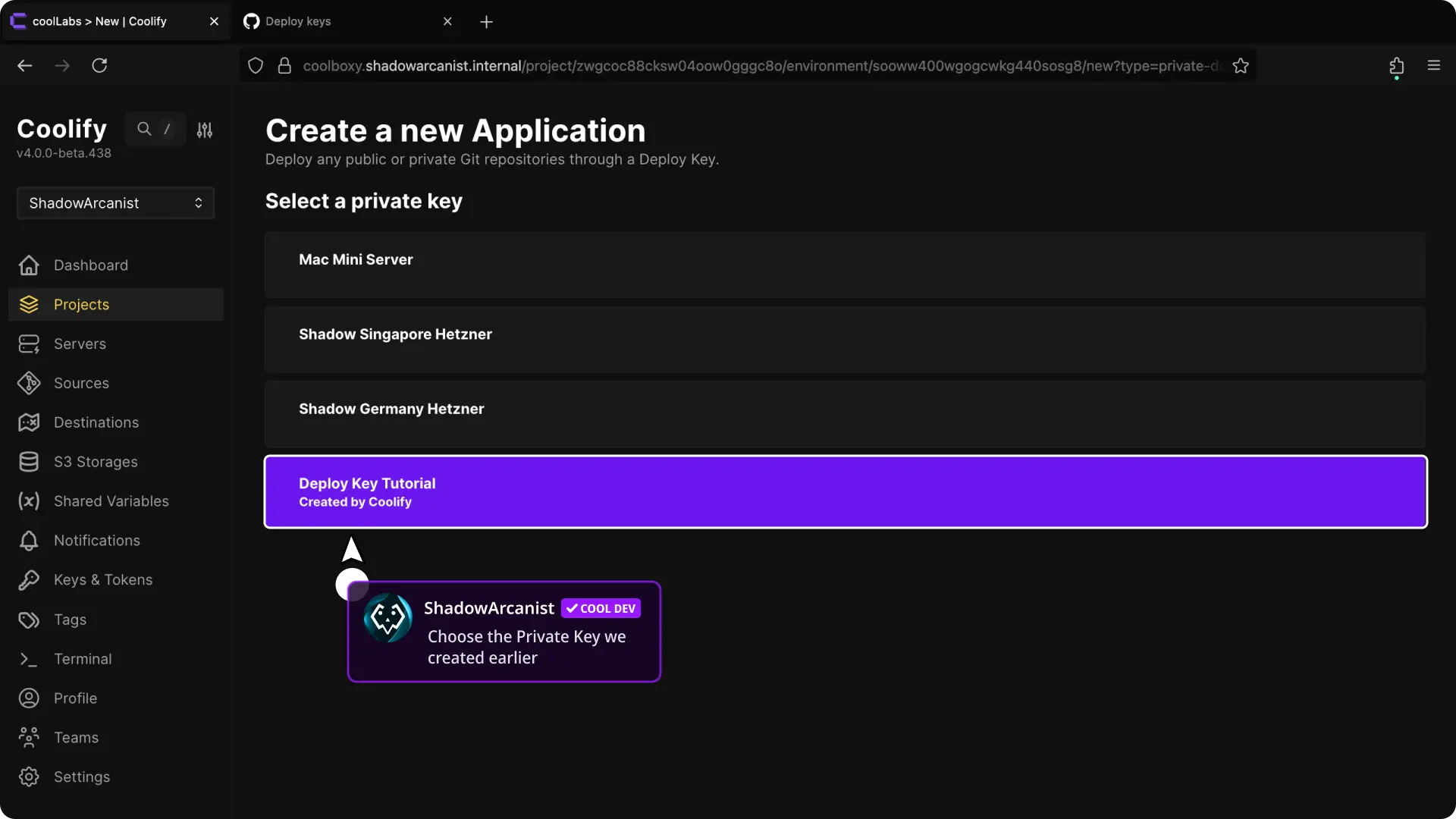
Configure and deploy
Review Smart Scan before continuing. It can suggest Dockerfile or Compose settings and lets you review and confirm variables from an environment template. For a monorepo, set Base directory and select Scan again.
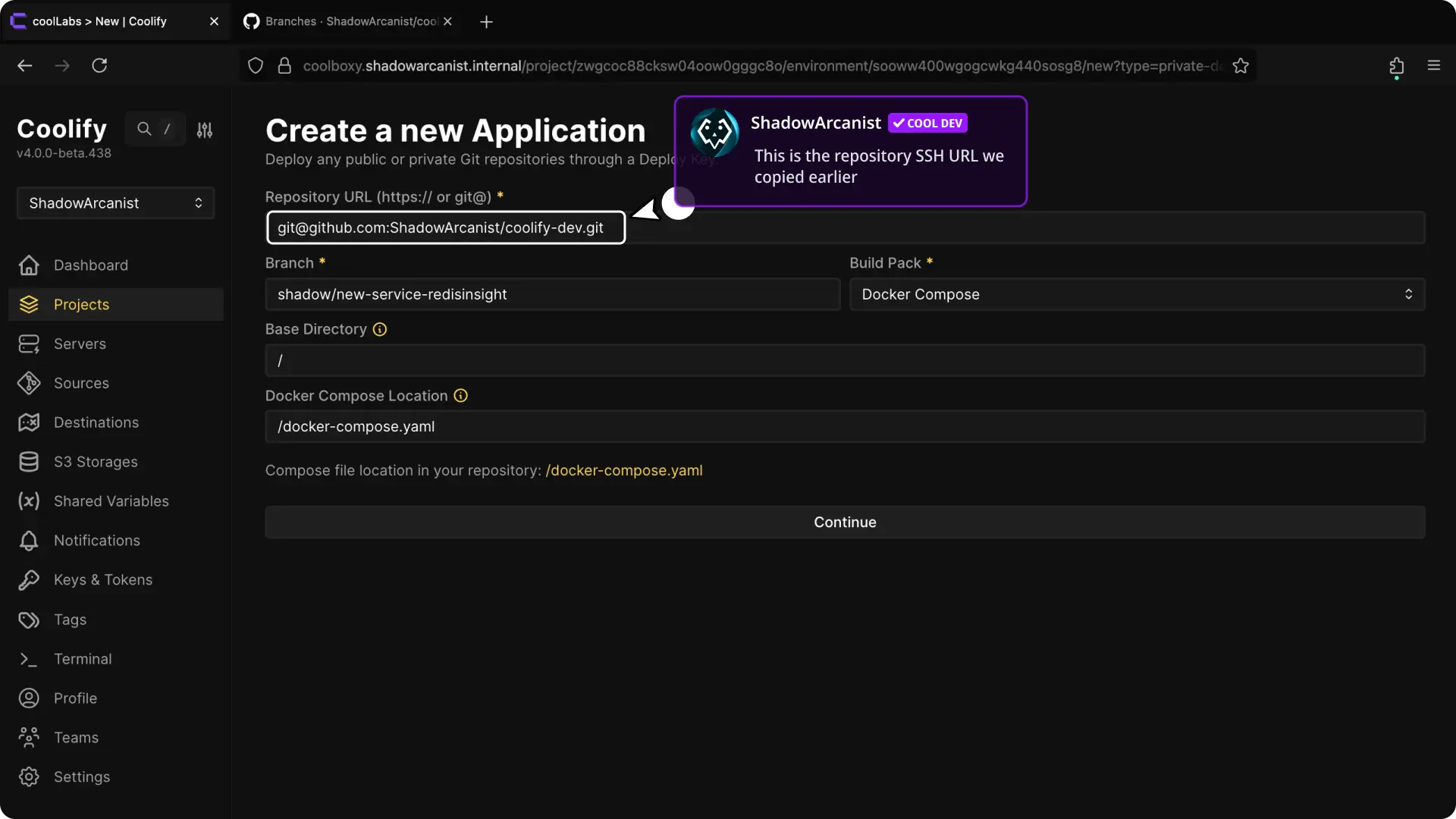
- Paste the GitHub SSH URL.
- Choose the branch, Build pack, internal port, and other required settings.
- Continue to the application configuration and deploy it.
Open Deployment Logs and confirm that Coolify clones the private repository and requested commit.
Follow GitHub Auto Deploy to deploy new commits through a repository webhook.