
GitHub Auto Deploy
Coolify can deploy a new version of your application whenever you push changes to its GitHub repository.
Choose how GitHub starts the deployment.
Deploy through a GitHub App
Follow Set up a GitHub App first.
Coolify sets Auto deploy to Deploy on push (webhooks) for applications created through a GitHub App. If it is set to Manual deployments only:
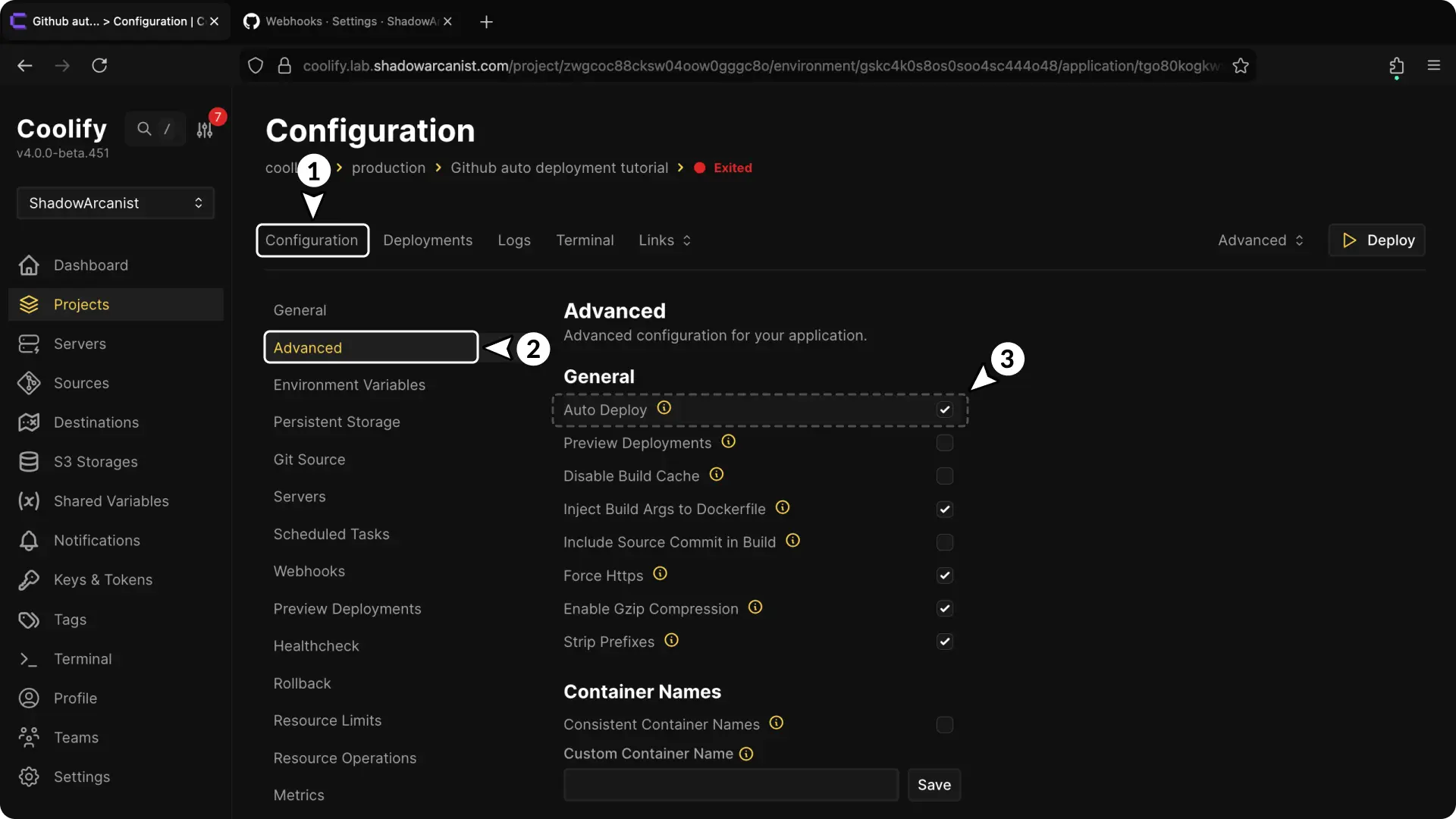
- Open the application.
- Open Advanced > Deployment.
- Choose Deploy on push (webhooks) in Auto deploy.
- Push a commit to the configured branch and confirm that a deployment appears.