
Static
The Static build pack packages files already present in the Git repository into an Nginx image.
Use it when the repository contains the final HTML, CSS, JavaScript, and other assets that should be served. It does not run a framework build command.
Use Nixpacks, Railpack, or a Dockerfile when the repository must run npm run build or another compilation step before the static files exist.
Deploy static files
Prepare the repository
Commit the final static files to the repository.
If they are in a subdirectory such as dist, identify that path before creating the application.
Create a resource
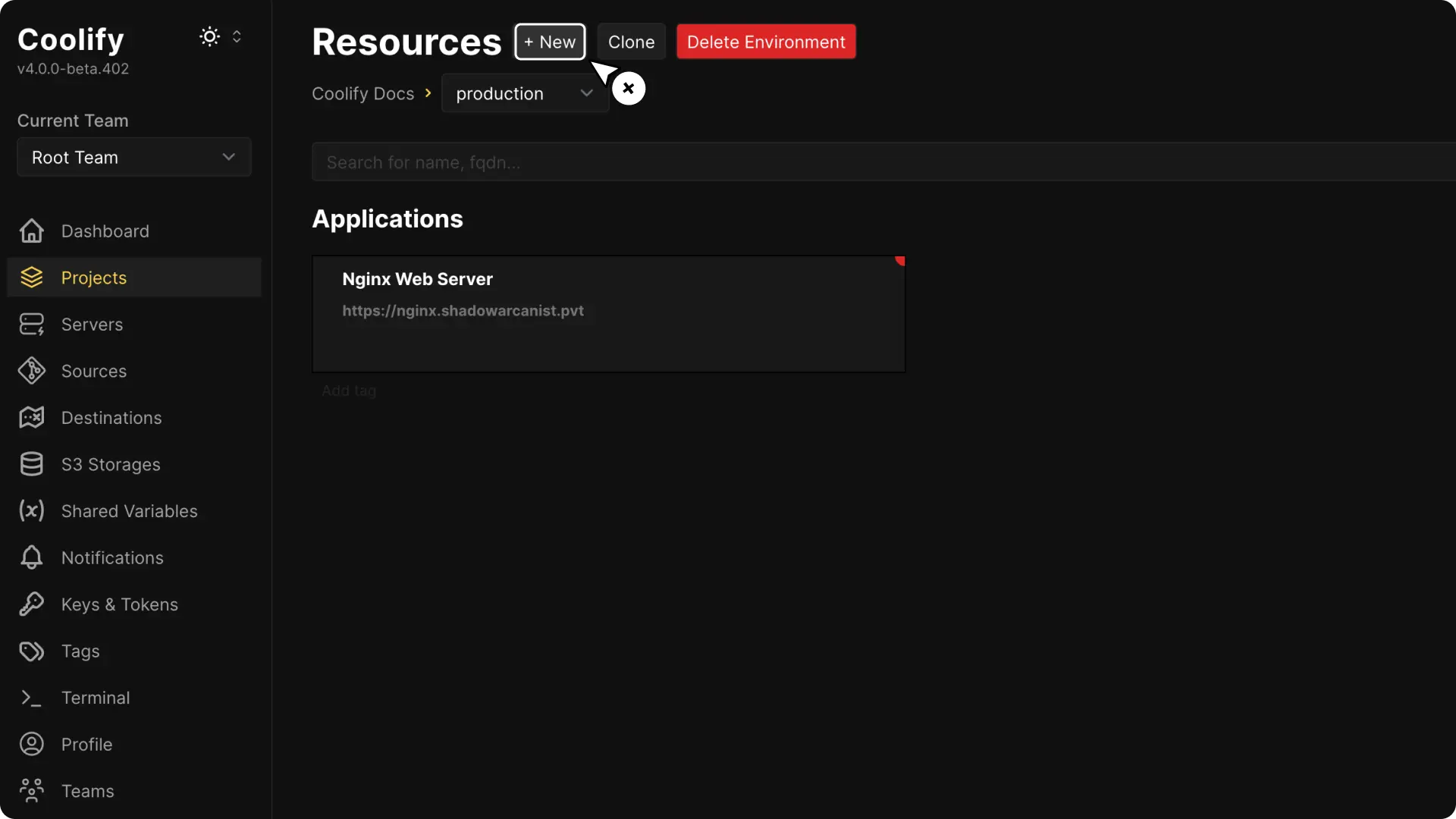
Open the project and environment that should contain the application, then select + New.
Choose the repository source
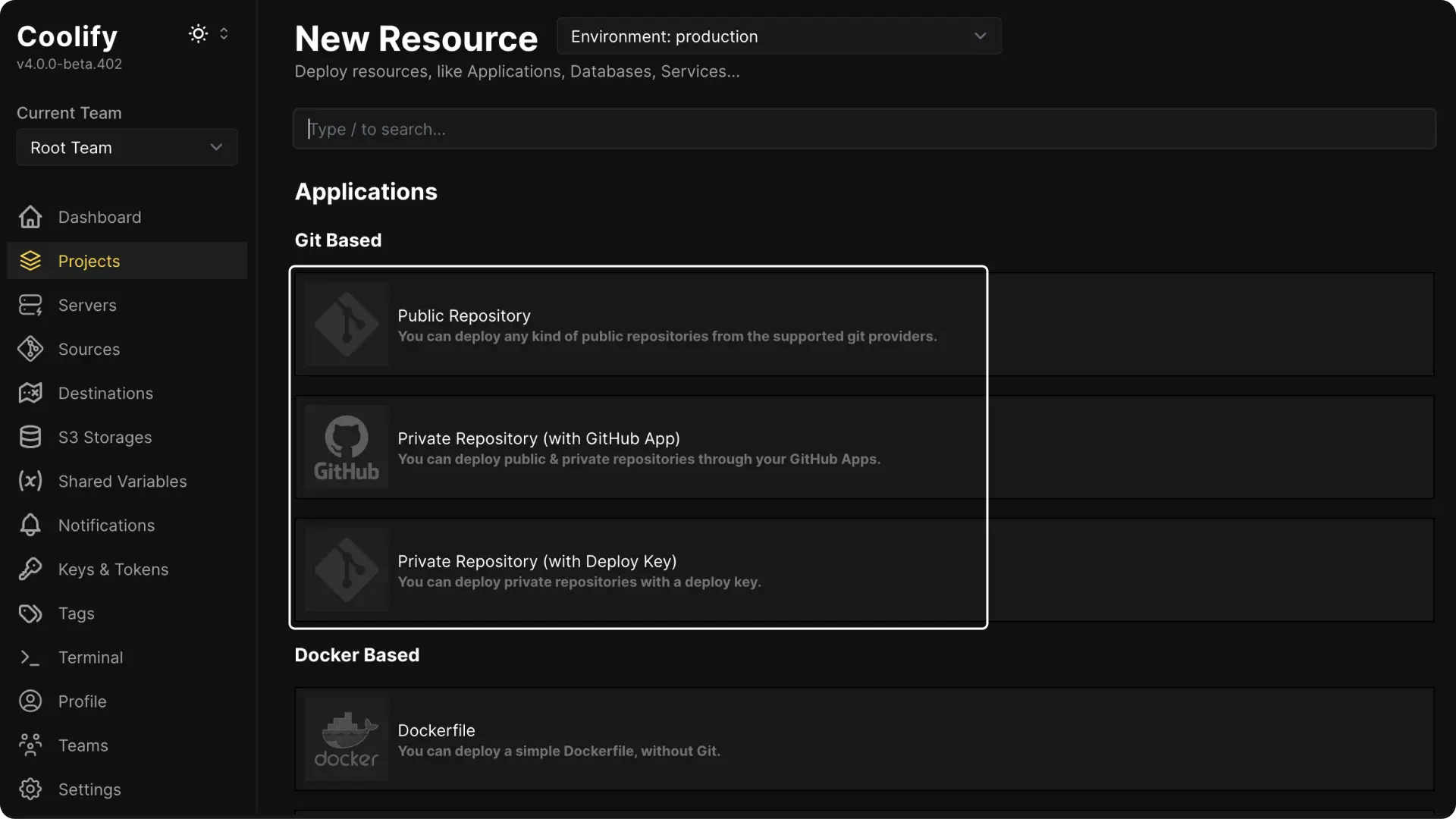
Connect a public repository, deploy key, or supported Git App.
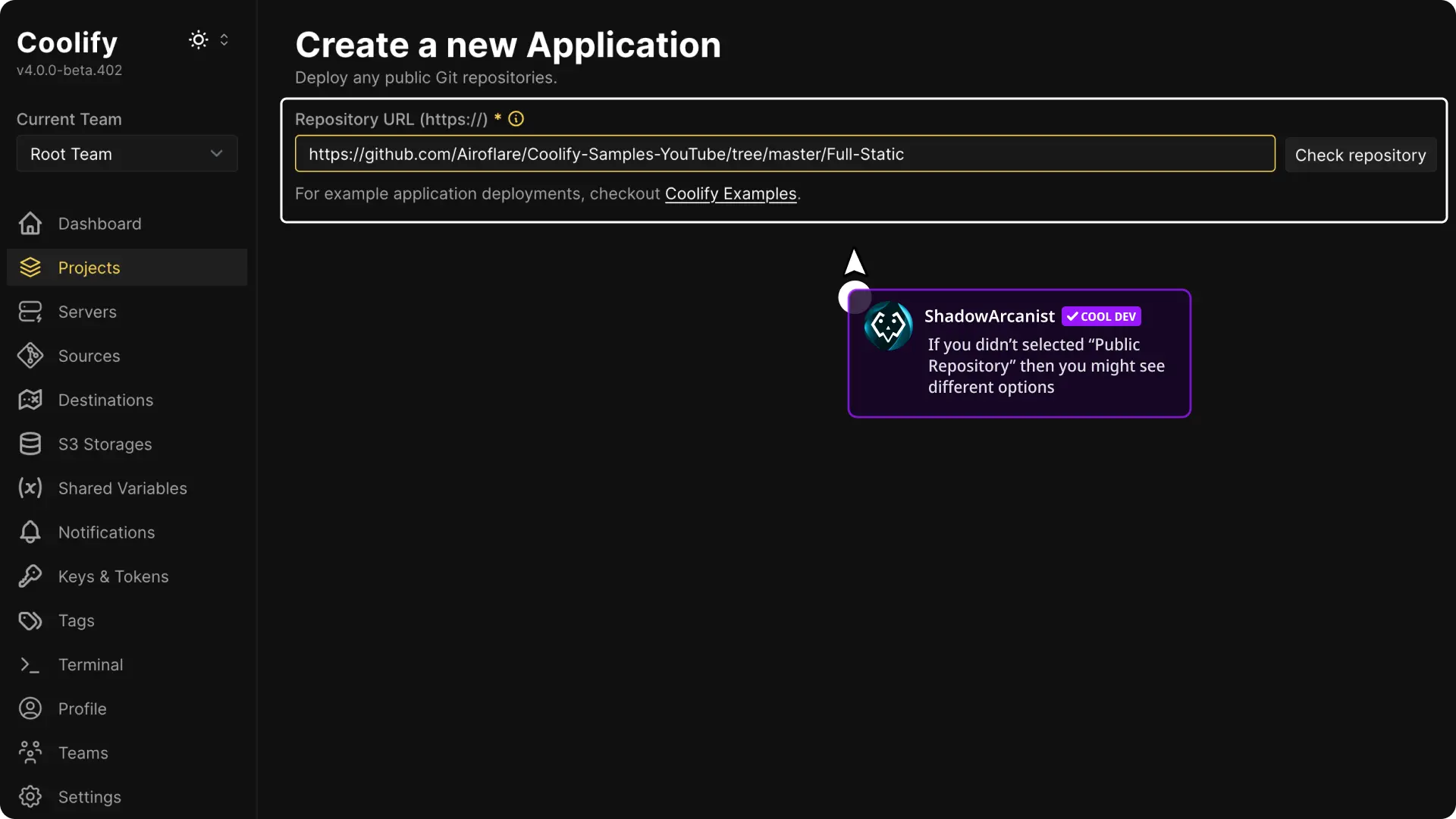
For a public repository, paste its HTTPS URL and select Check Repository.
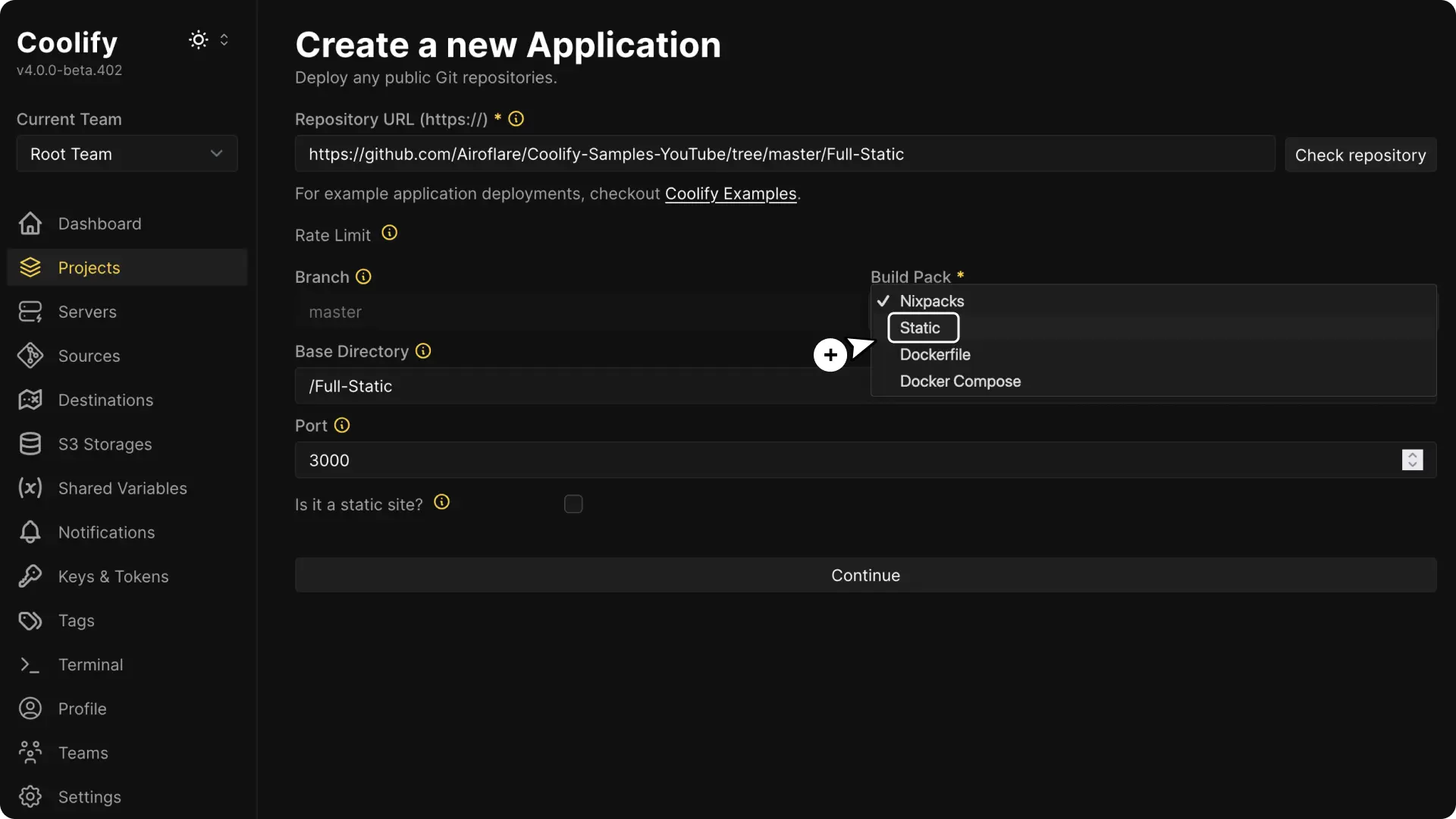
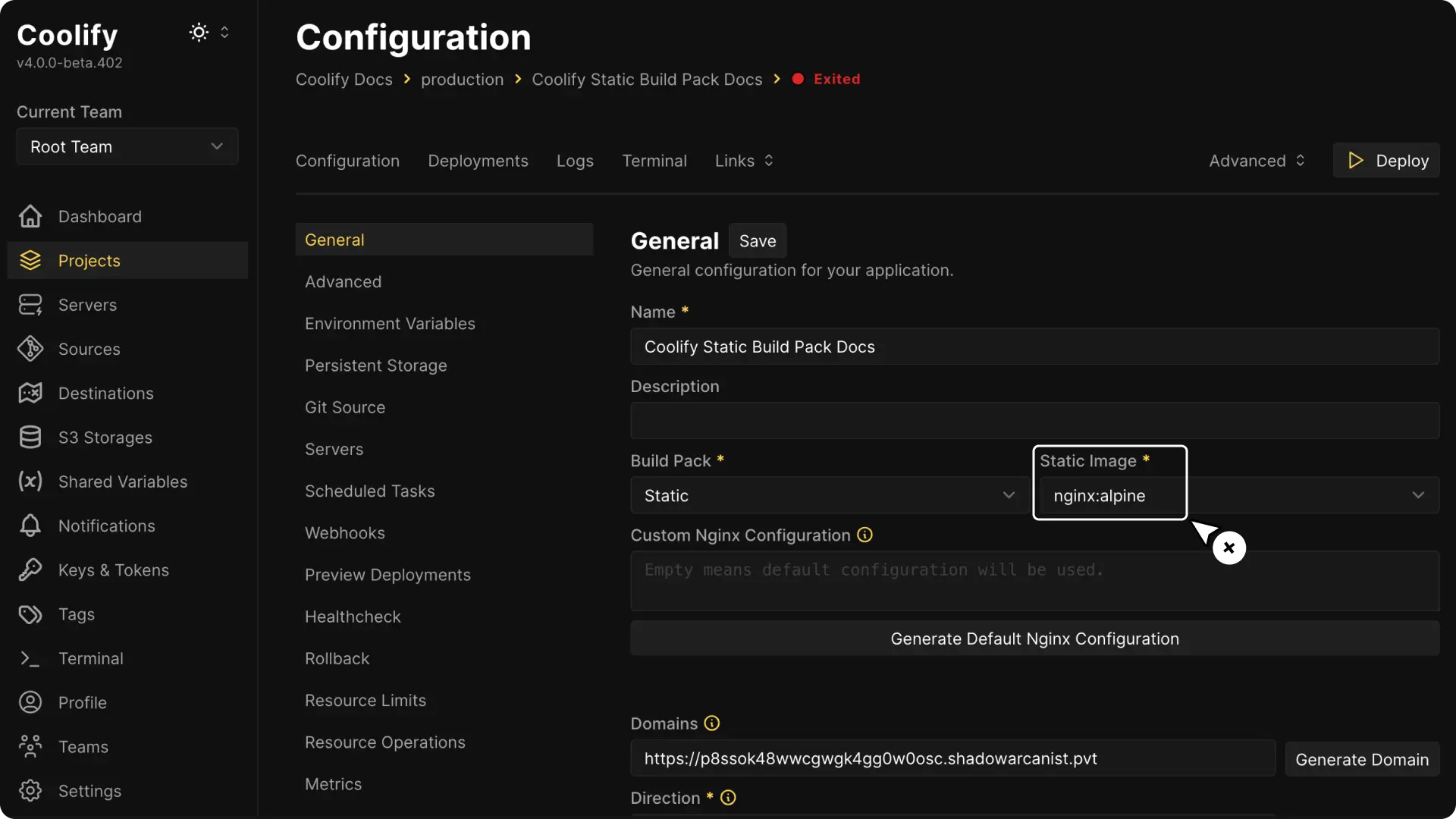
Select Static
Select Static in Build pack during creation. After creation, this choice is Build strategy under General > Build pipeline.
Set the base directory
Set Base Directory to the directory containing the finished website files.
Use / when the files are at the repository root, or a path such as /dist when they are in a subdirectory.
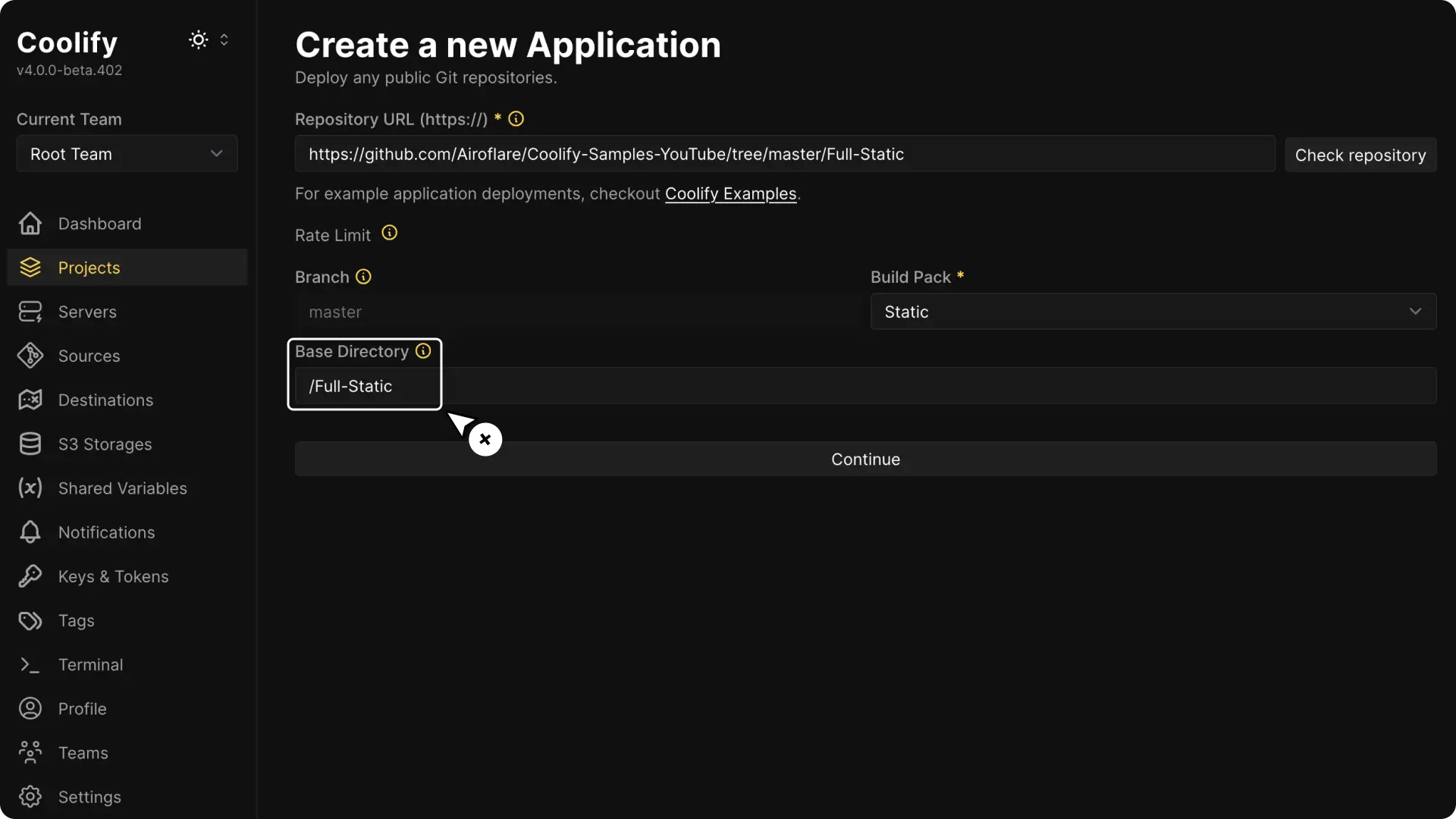
Select Continue.
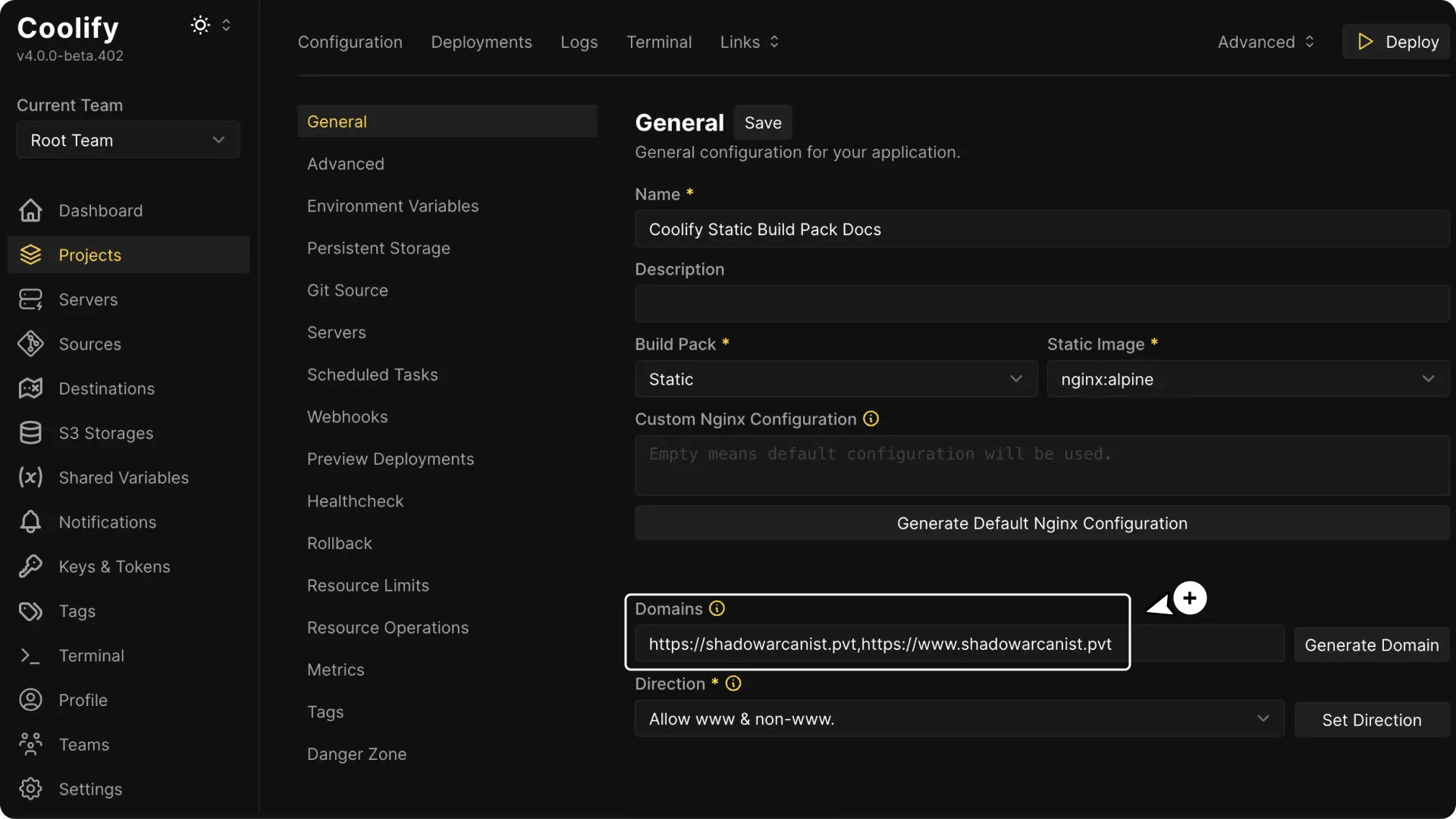
Configure the domain
Open Domains, select Add domain, and enter the protocol, hostname, and any target port or path. Add each additional hostname separately. See Domains.
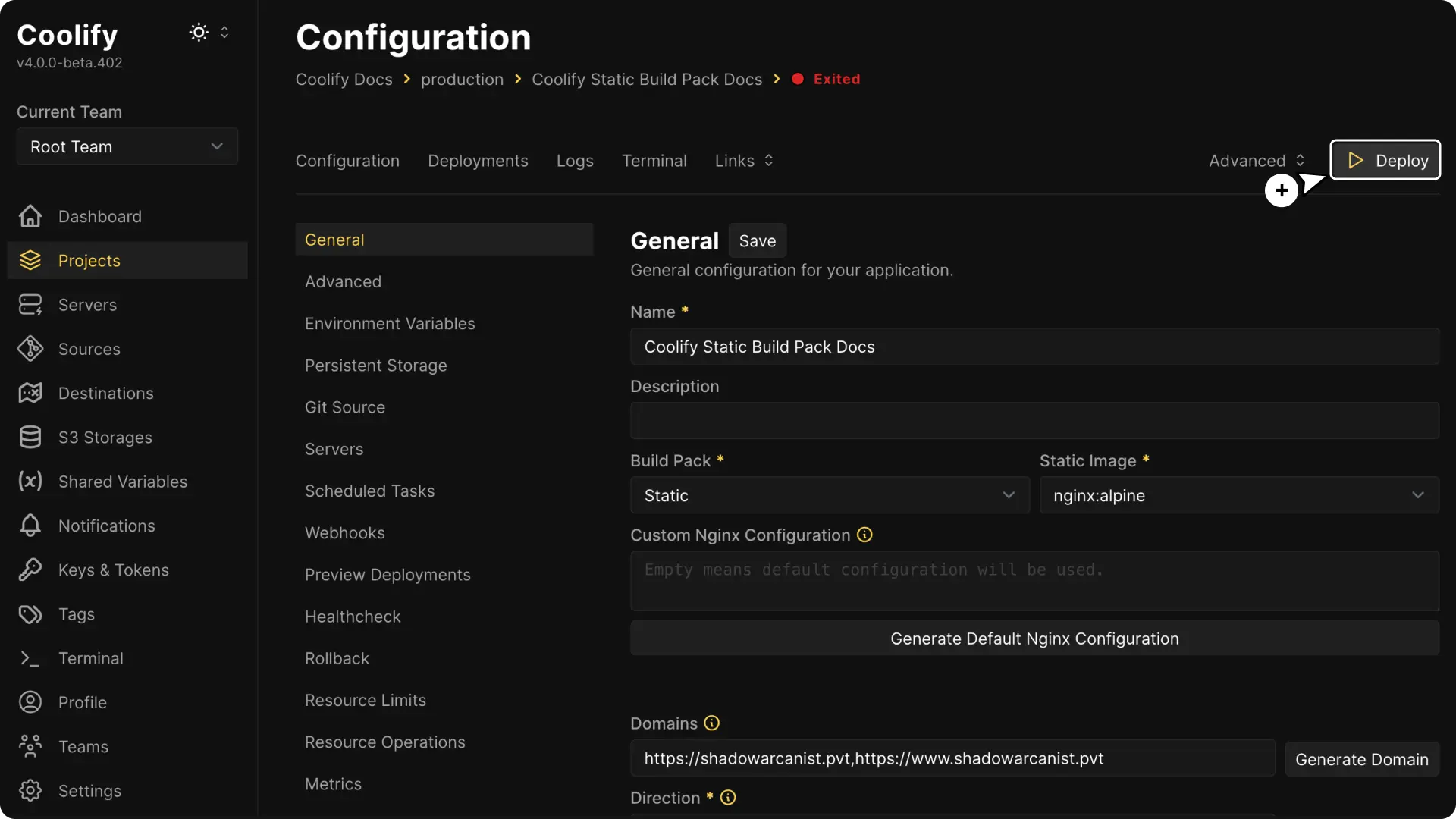
Deploy and verify
Select Deploy.
Open the domain and verify a document, asset, and client-side route used by the site.
Nginx configuration
Coolify provides a default Nginx configuration for the static image.
Open General, generate the configuration, and edit it only when the site needs behavior such as single-page application fallback, custom headers, or caching rules.
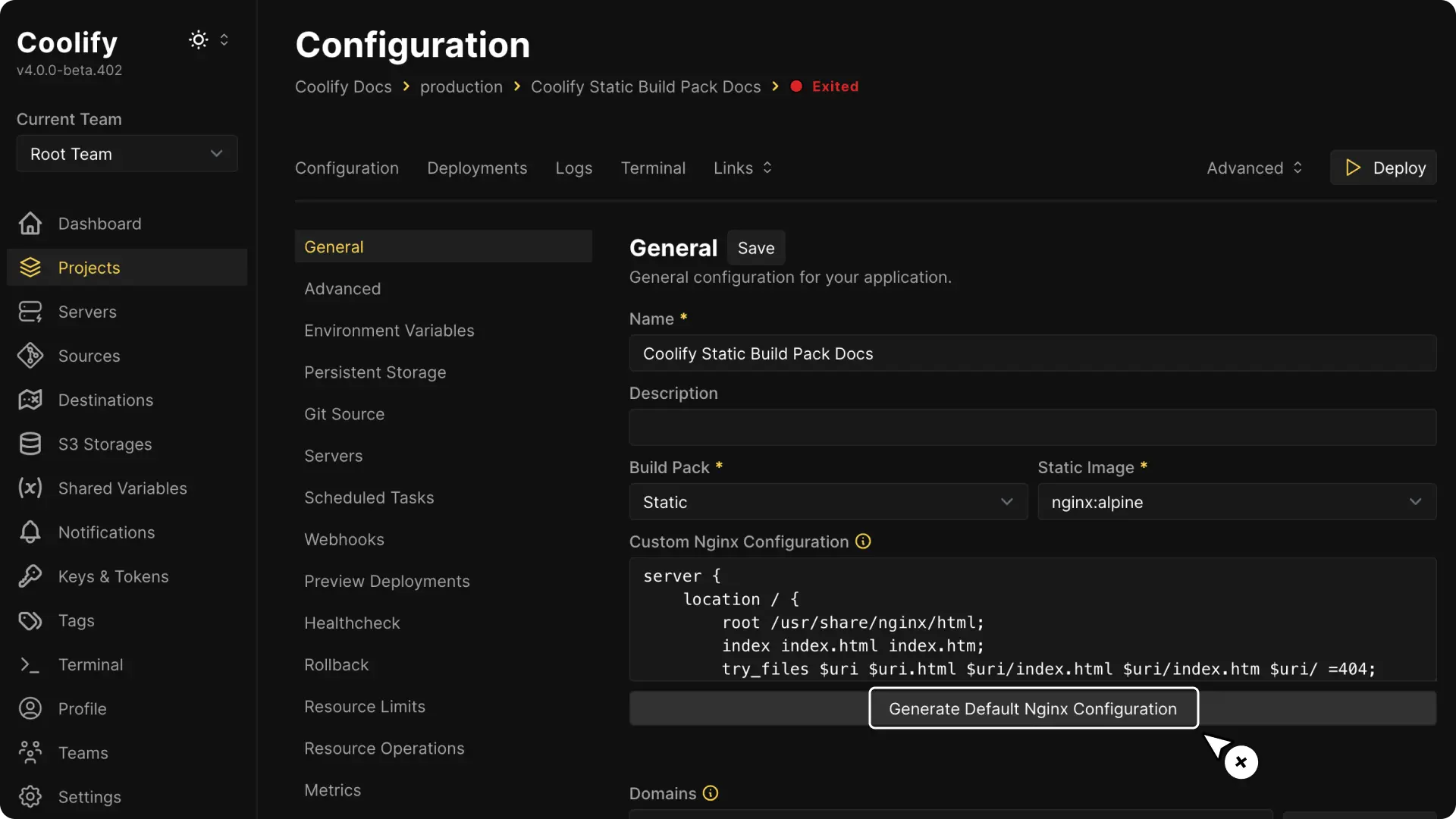
Save the change and redeploy the application. Coolify copies the Nginx configuration into the static image during the image build, so a restart that reuses the existing image cannot apply the change.
If the repository contains source files rather than final assets, deploy with Nixpacks or use Railpack, choose Static in Site type, and set the build output as Publish Directory.