
Wildcard certificates
A wildcard certificate for *.example.com covers first-level subdomains such as app.example.com and api.example.com. It does not cover the apex example.com or deeper names such as www.app.example.com unless those names are included separately.
Traefik can request wildcard certificates only through the DNS challenge.
What you need
- Traefik DNS Challenge configured and working
- an apex DNS record for
example.comwhen the apex should resolve - a wildcard DNS record such as
*.example.compointing to the server or upstream traffic endpoint
Request the certificate
Open Servers > your server > Proxy > Dynamic Configurations and create wildcard-example-com.yaml:
http:
  routers:
    wildcard-example-com:
      rule: 'HostRegexp(`[a-z0-9-]+\.example\.com`)'
      entryPoints:
        - https
      priority: 1
      service: wildcard-placeholder
      tls:
        certResolver: letsencrypt
        domains:
          - main: example.com
            sans:
              - '*.example.com'

  services:
    wildcard-placeholder:
      loadBalancer:
        servers: []
Replace example.com, then save the file. The low-priority router requests the certificate and allows resource-specific routers to handle matching application traffic.
Restarting Traefik is normally not required for this dynamic file. Inspect Servers > your server > Proxy > Logs until the ACME request succeeds.
Use the wildcard certificate
Choose whether each subdomain belongs to its own resource or one application handles every subdomain.
Set a normal HTTPS domain such as https://app.example.com on each application or service. Coolify generates the resource router, and Traefik selects the matching wildcard certificate from its certificate store.
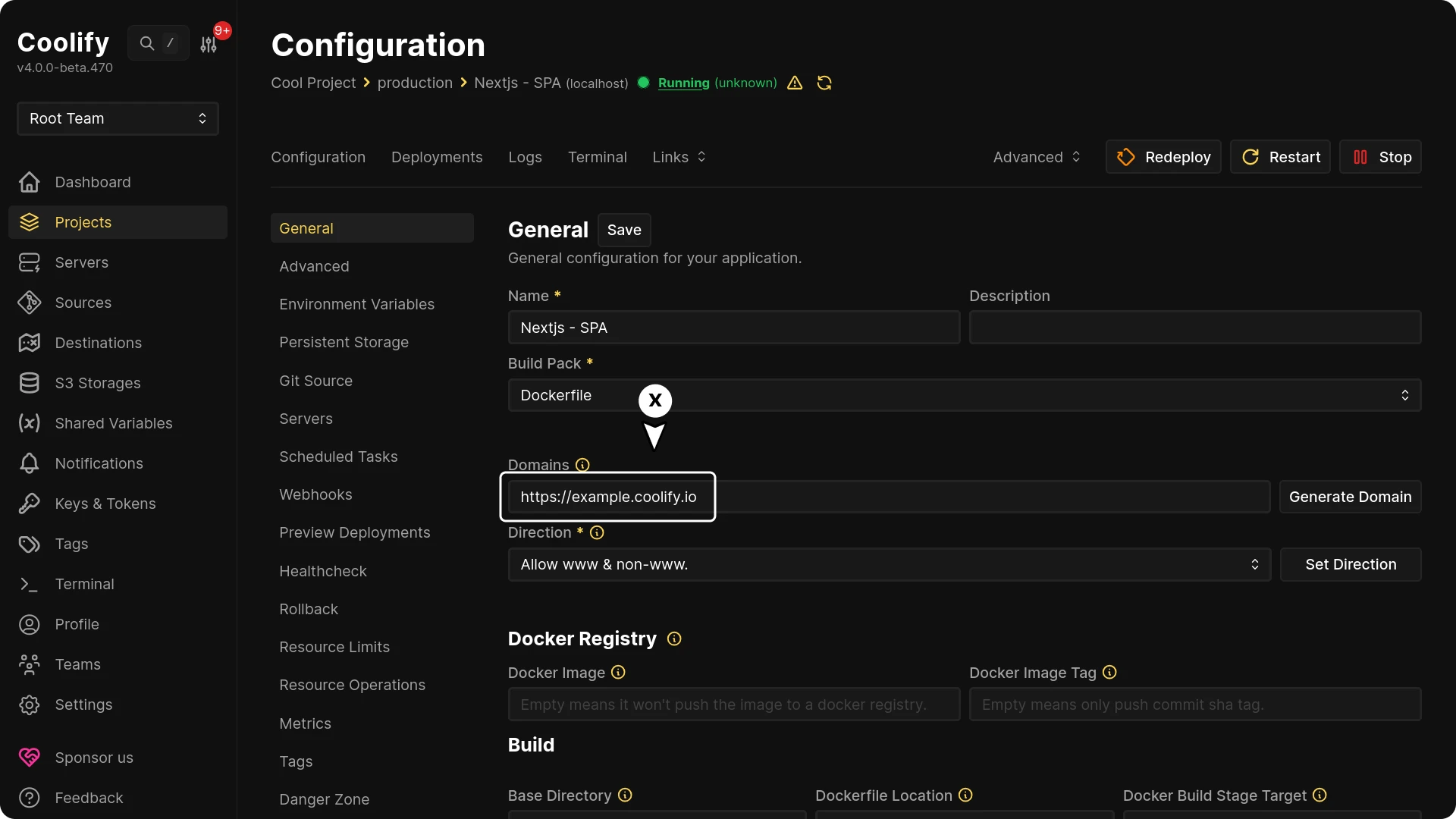
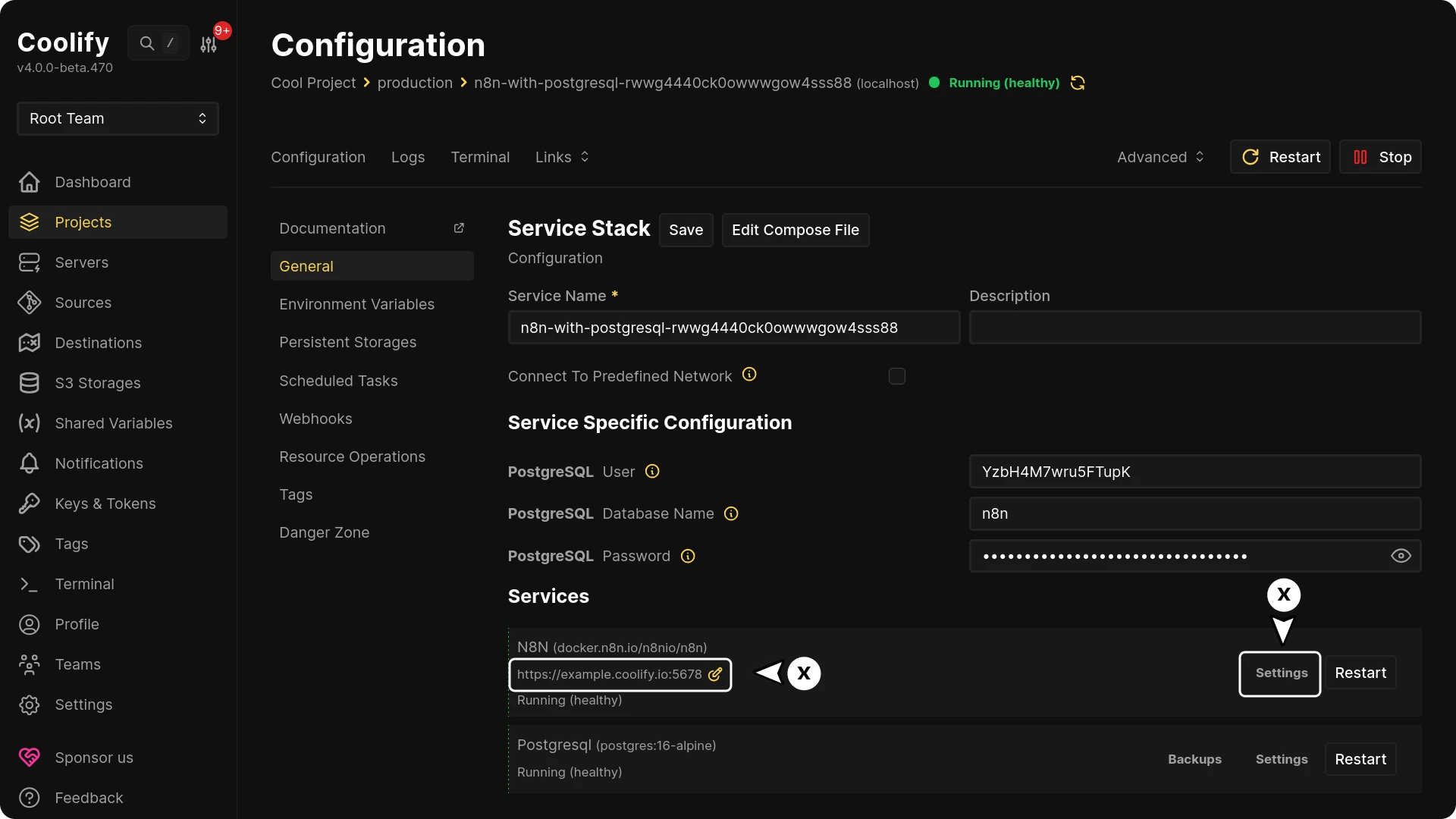
Redeploy each changed resource and verify the certificate presented by the domain.